 Edit online
00:05
Edit online
00:05
Chapter Title
31
Edit online
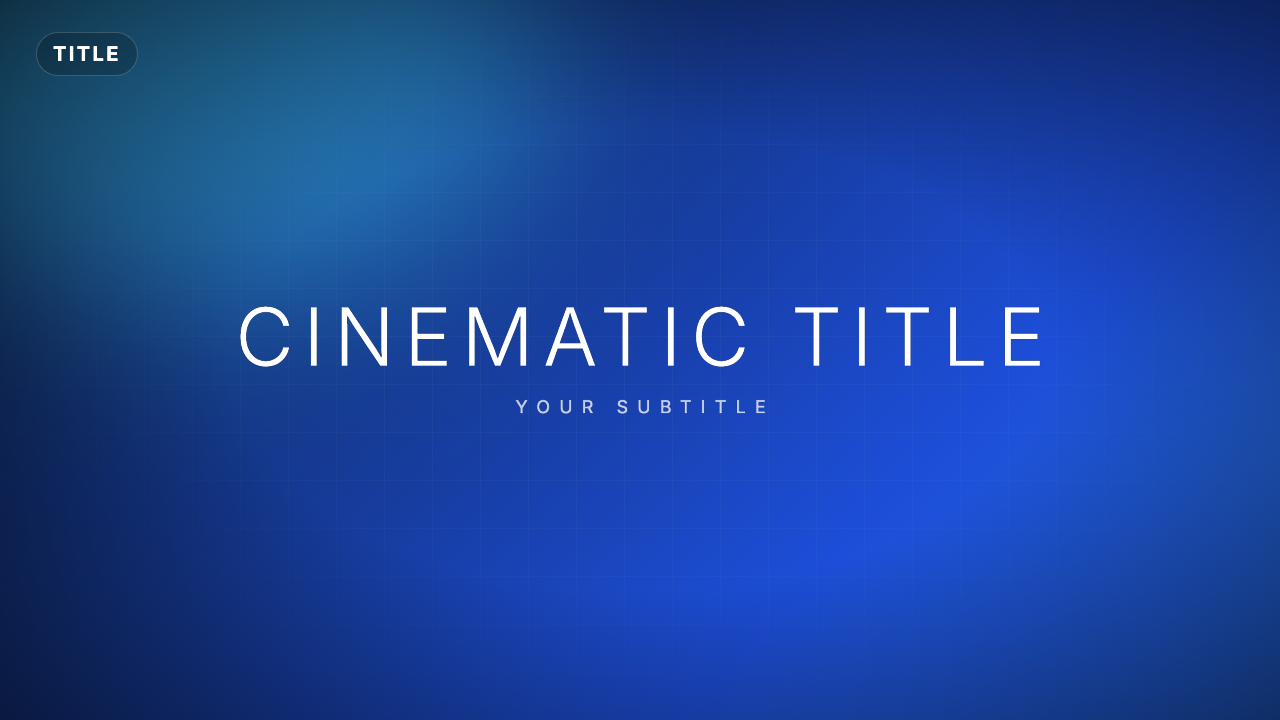
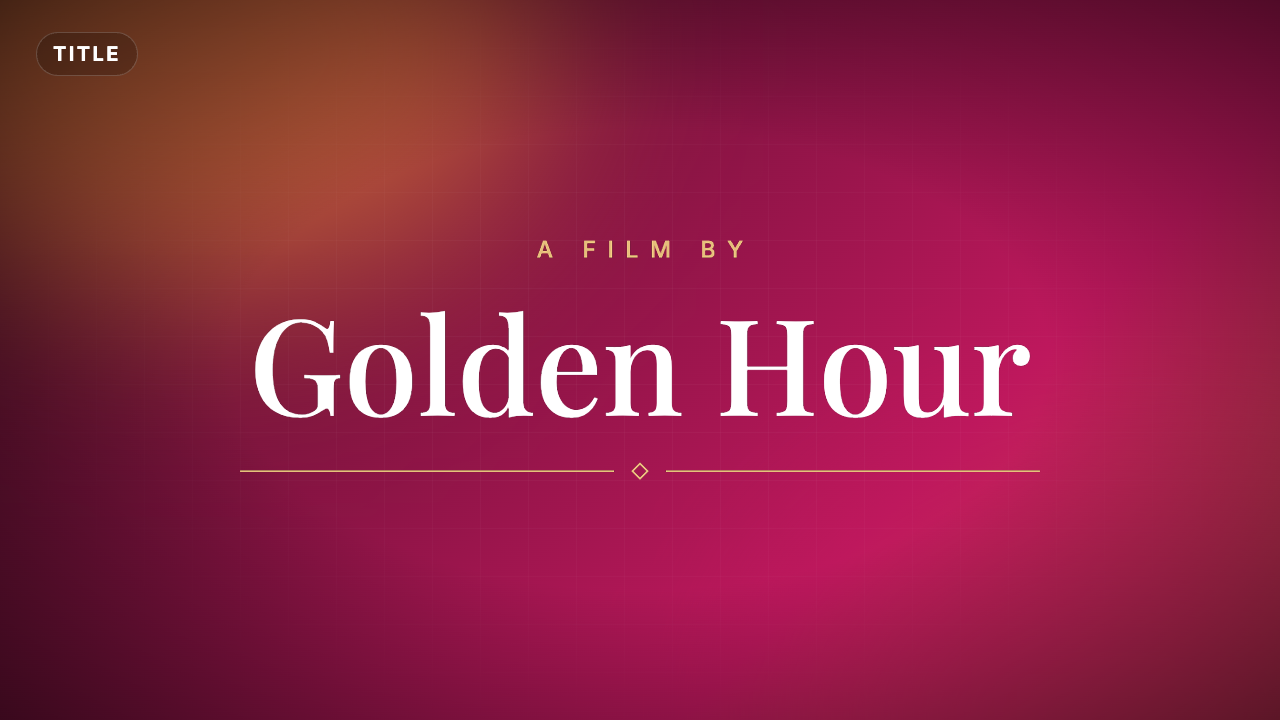
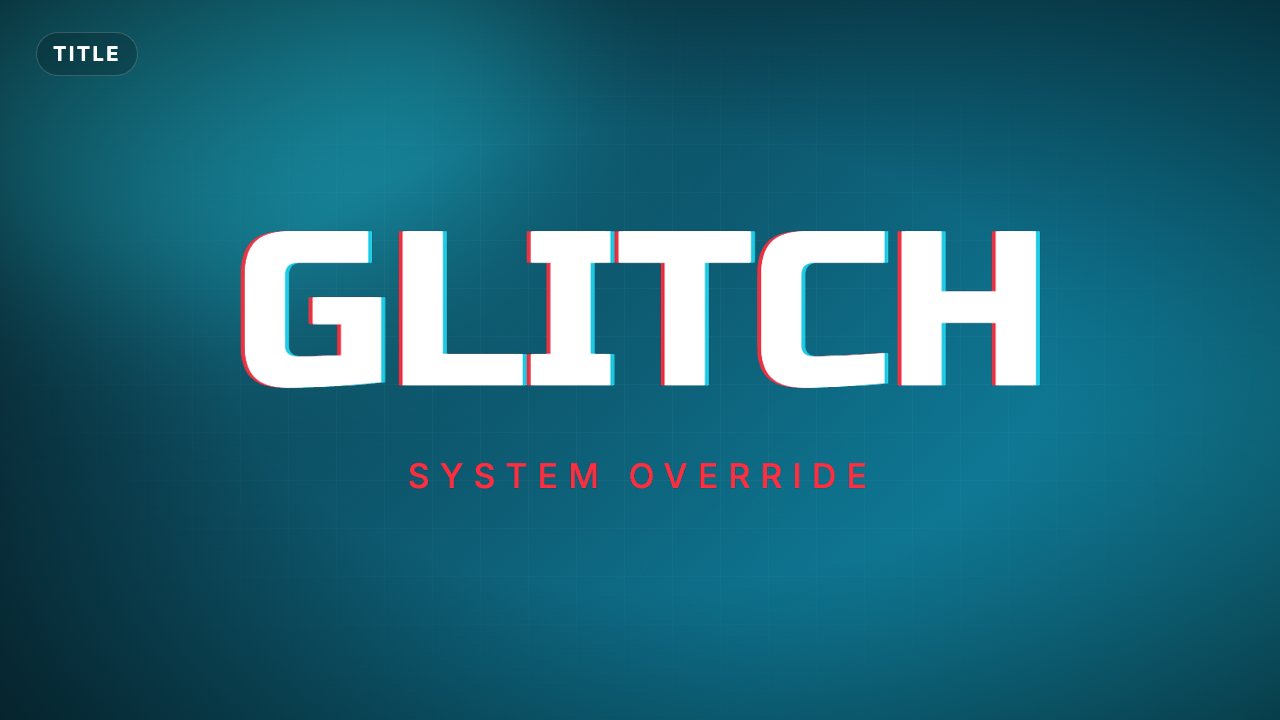
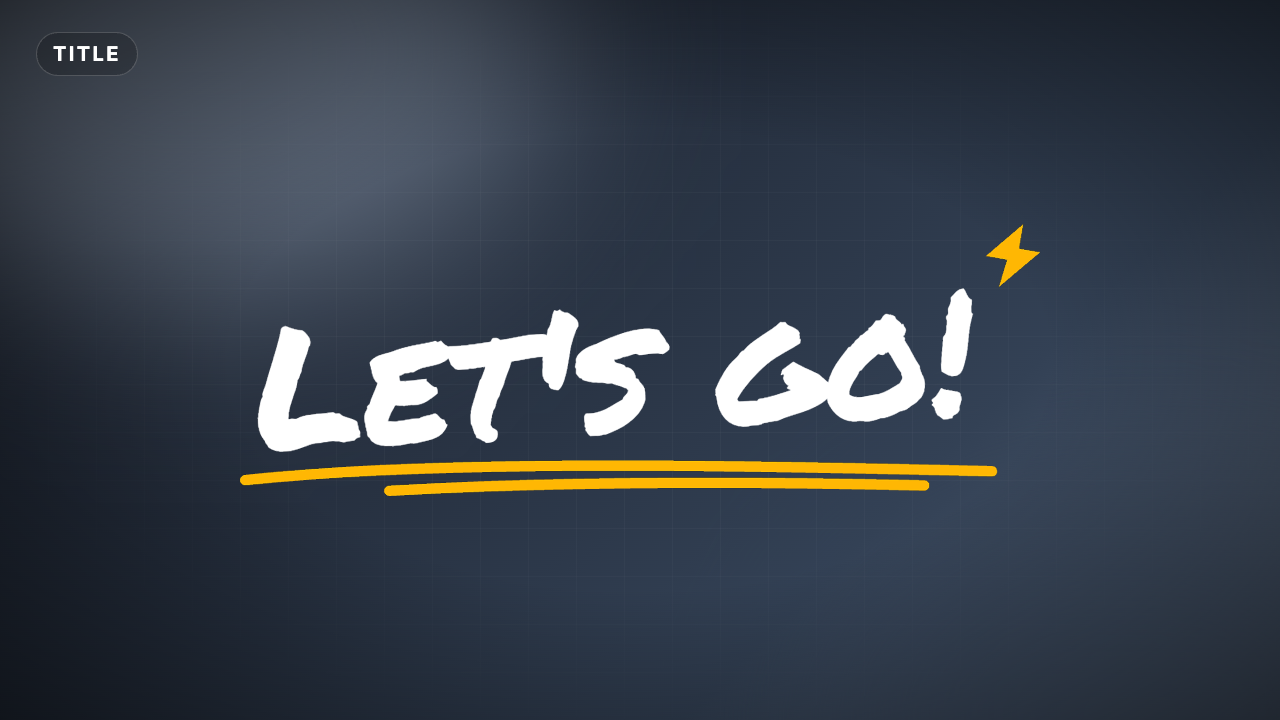
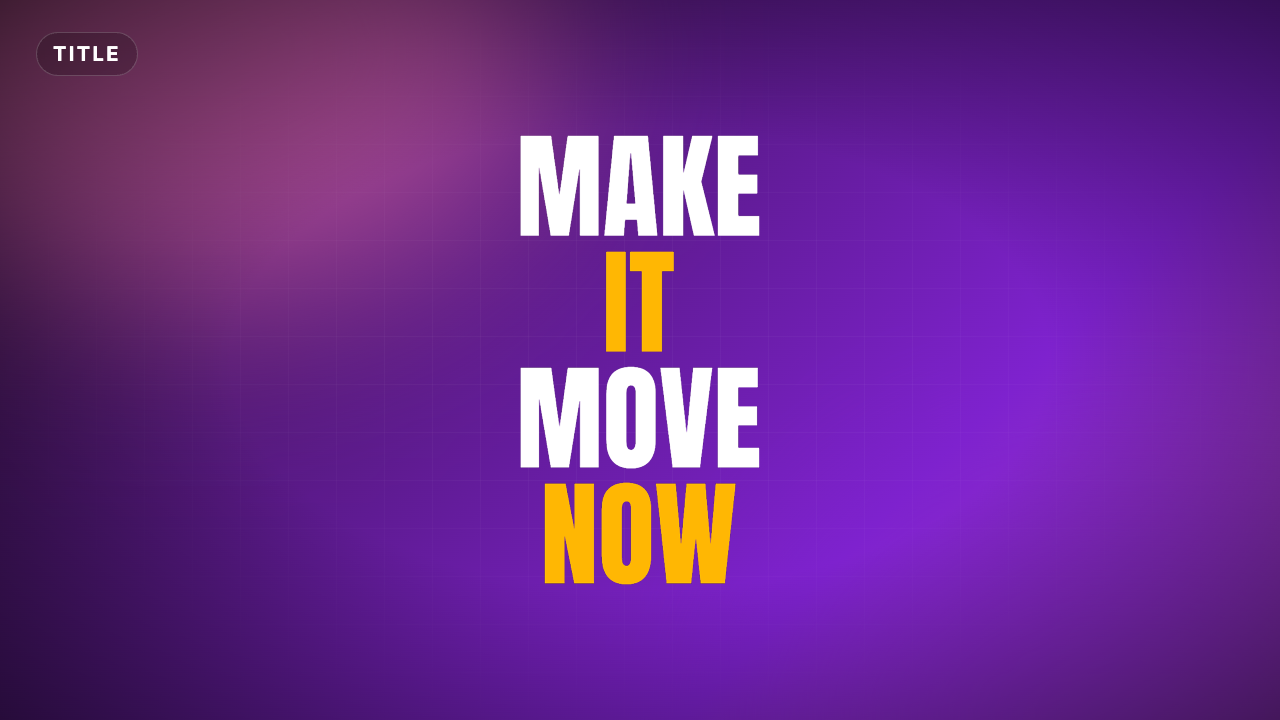
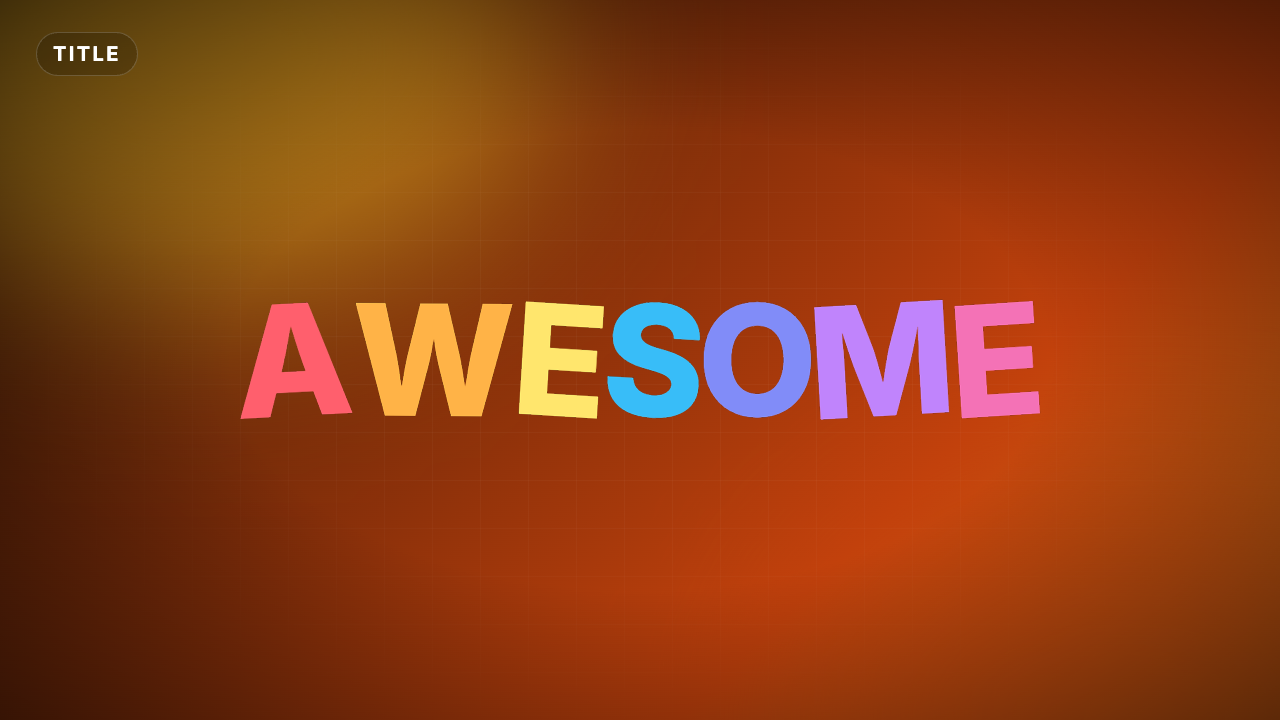
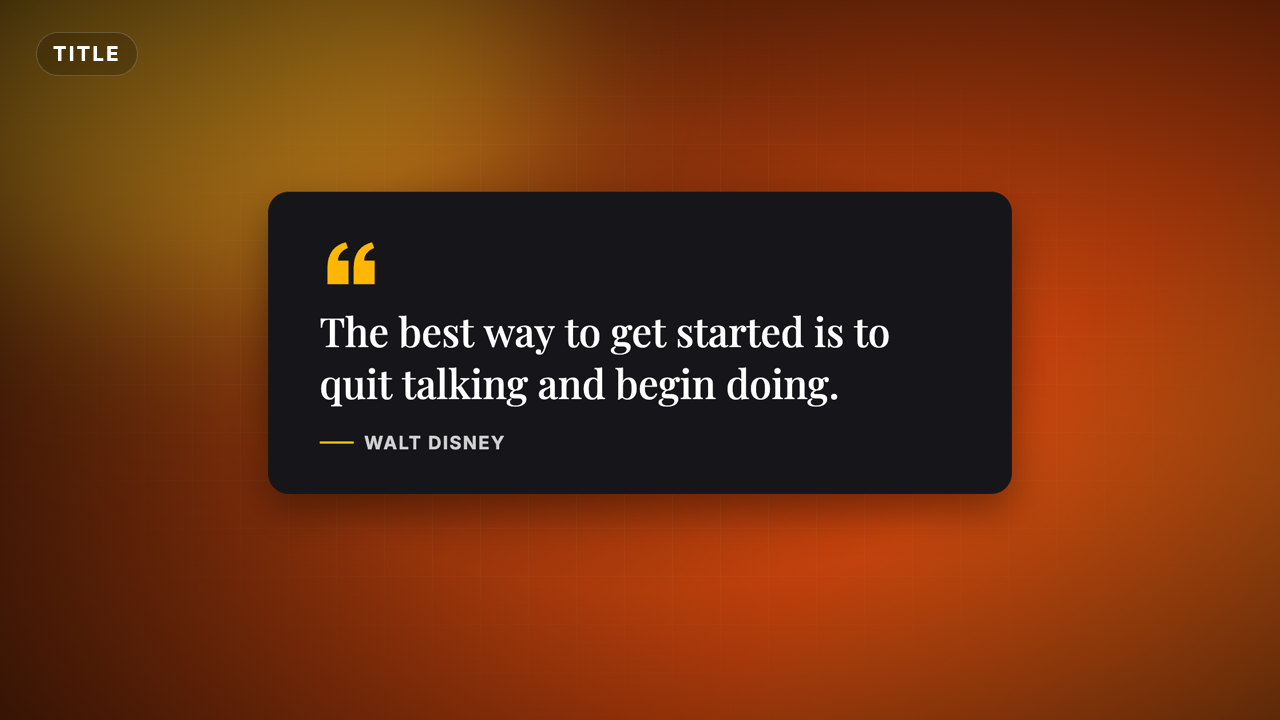
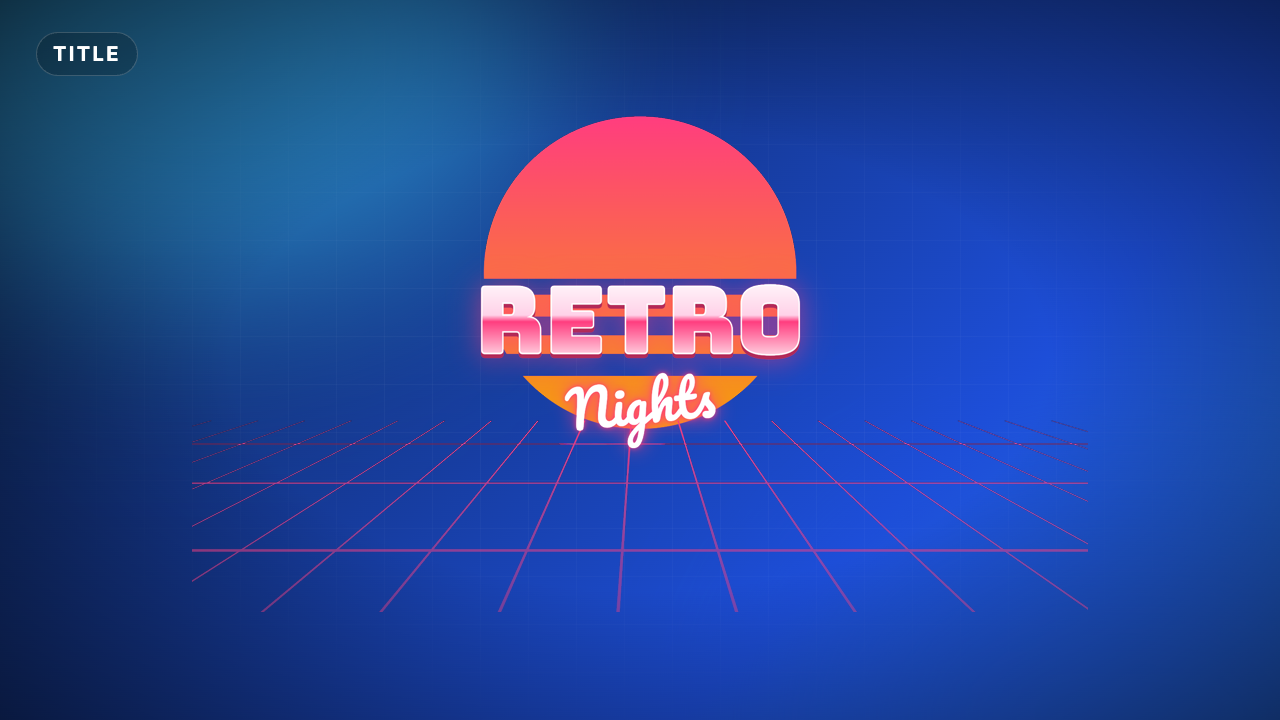
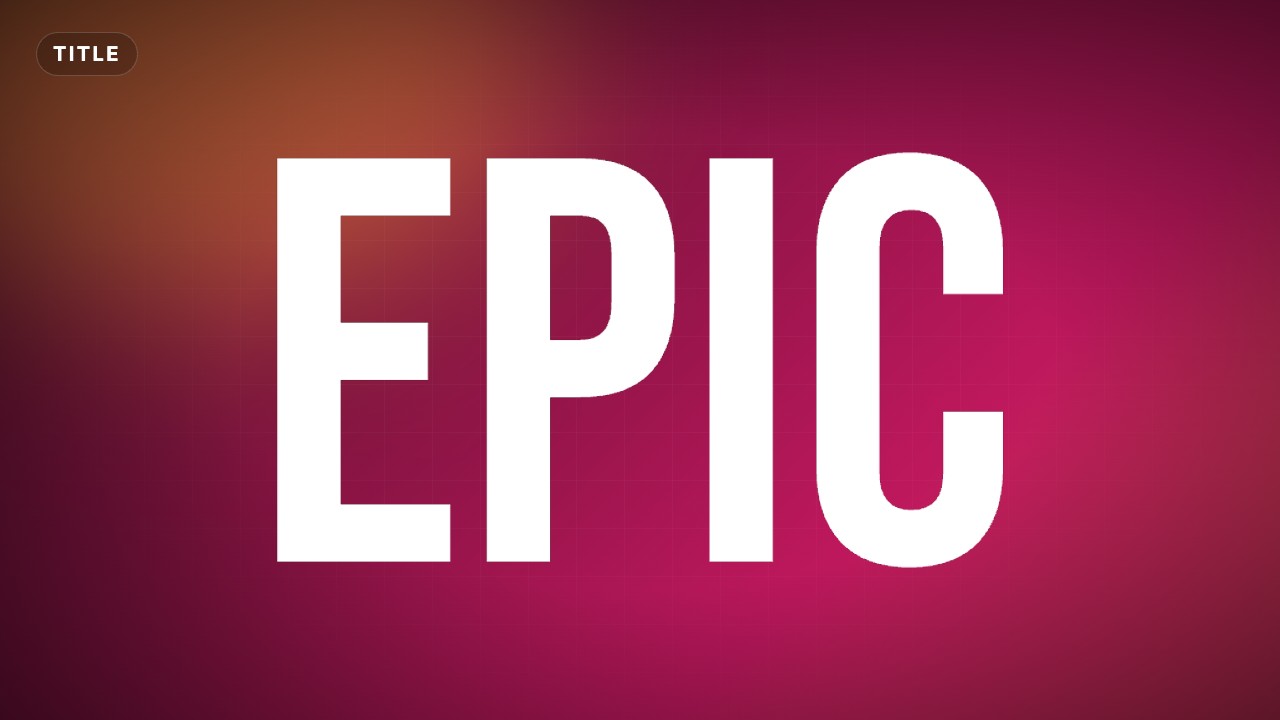
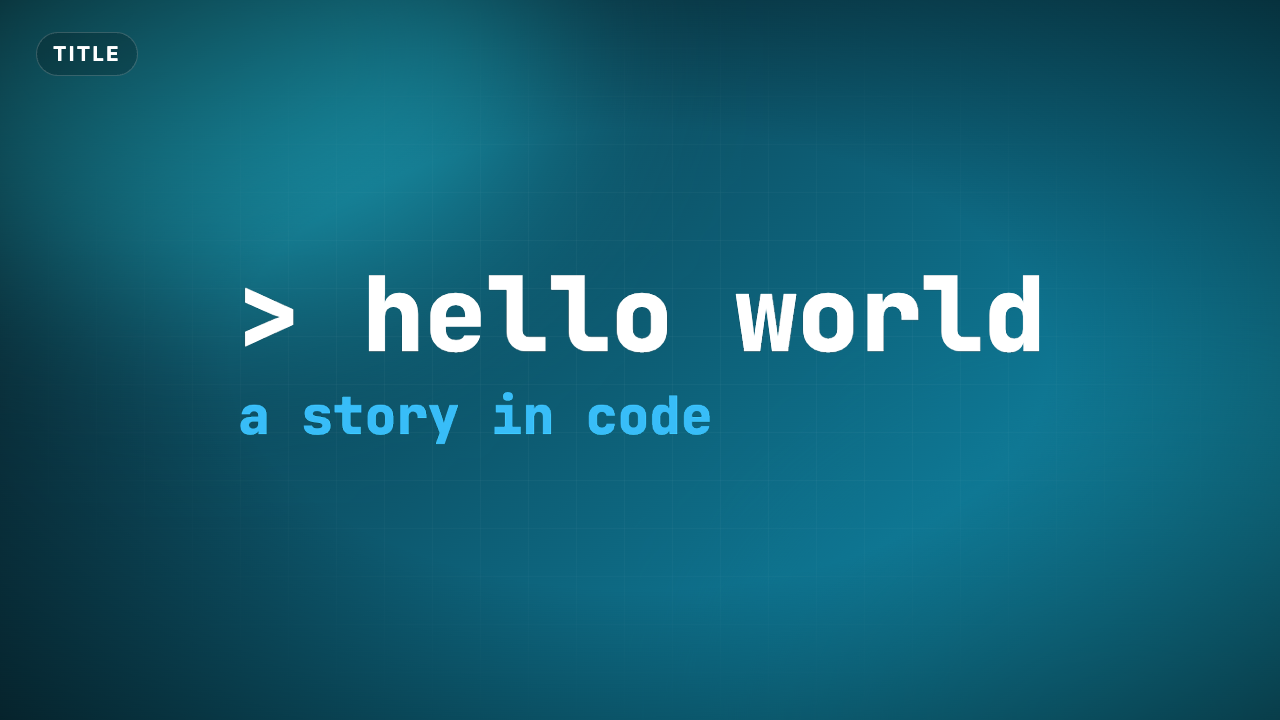
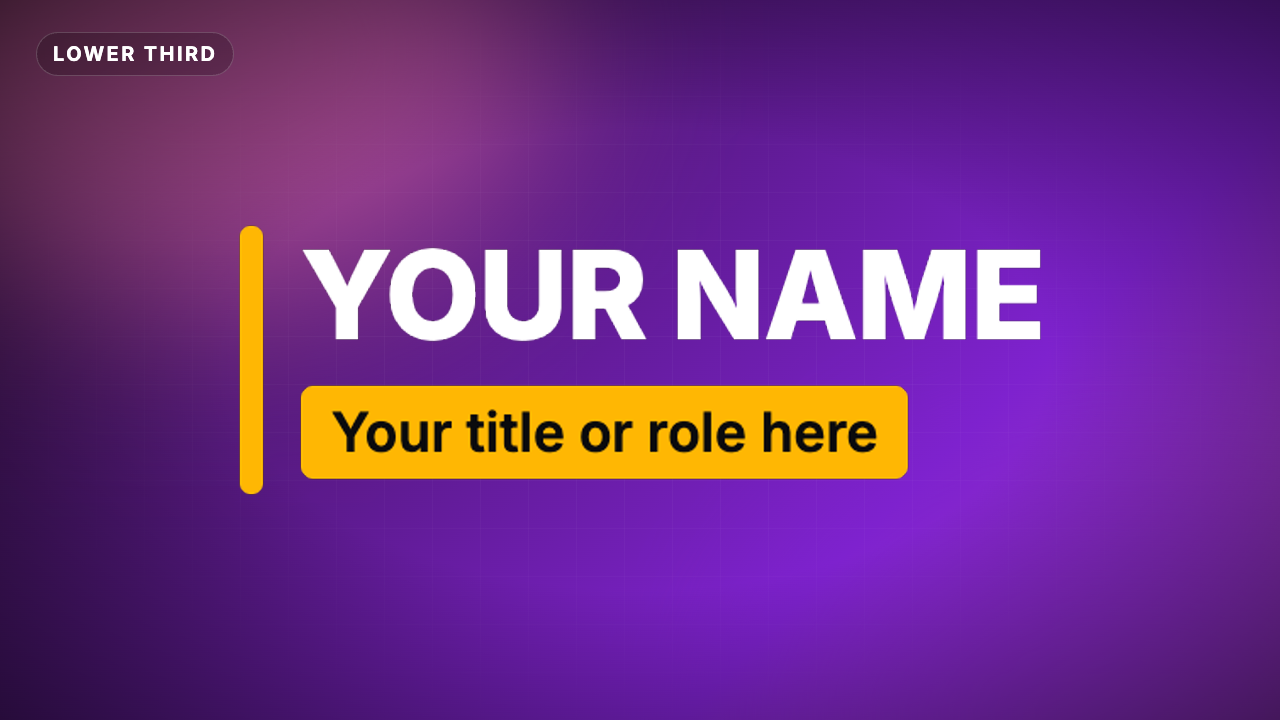
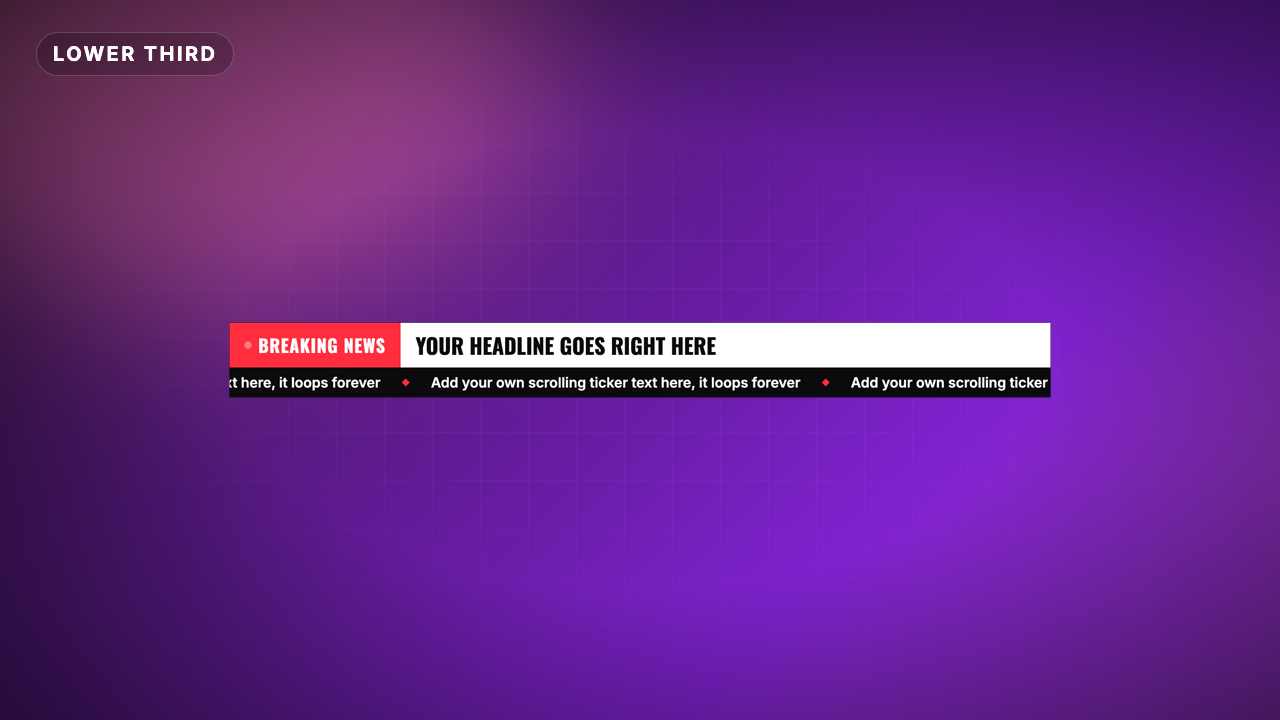
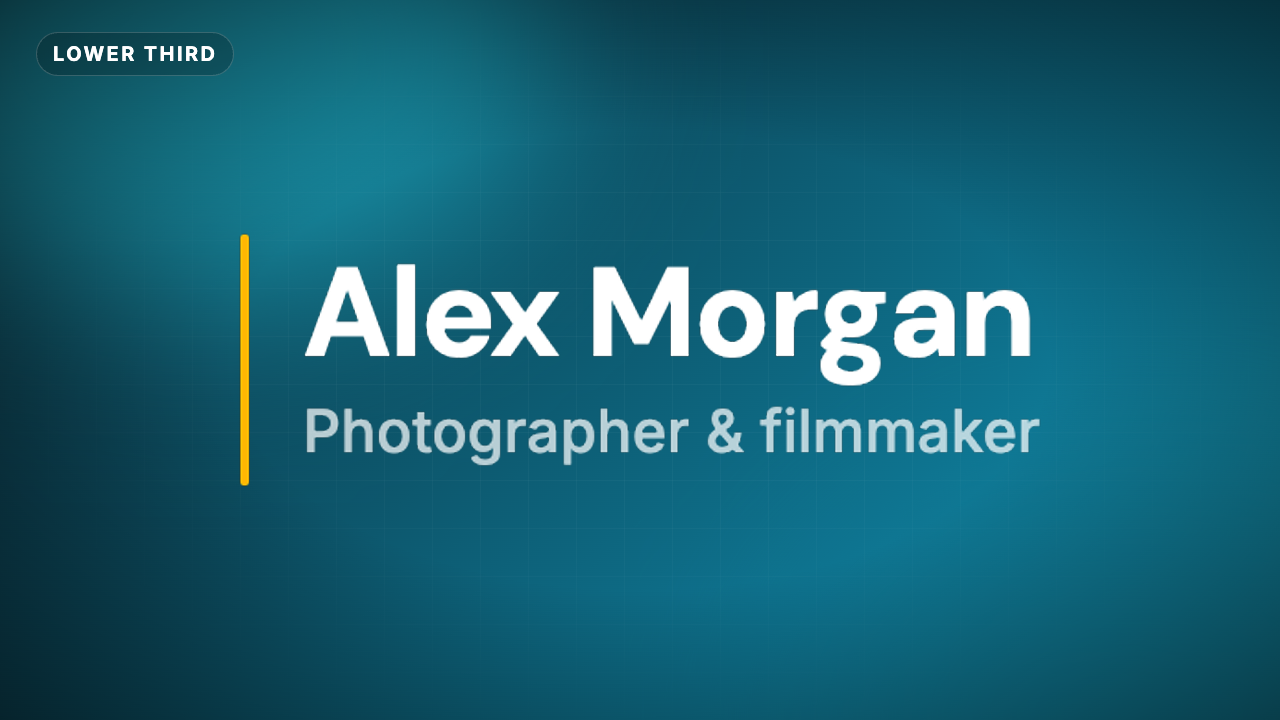
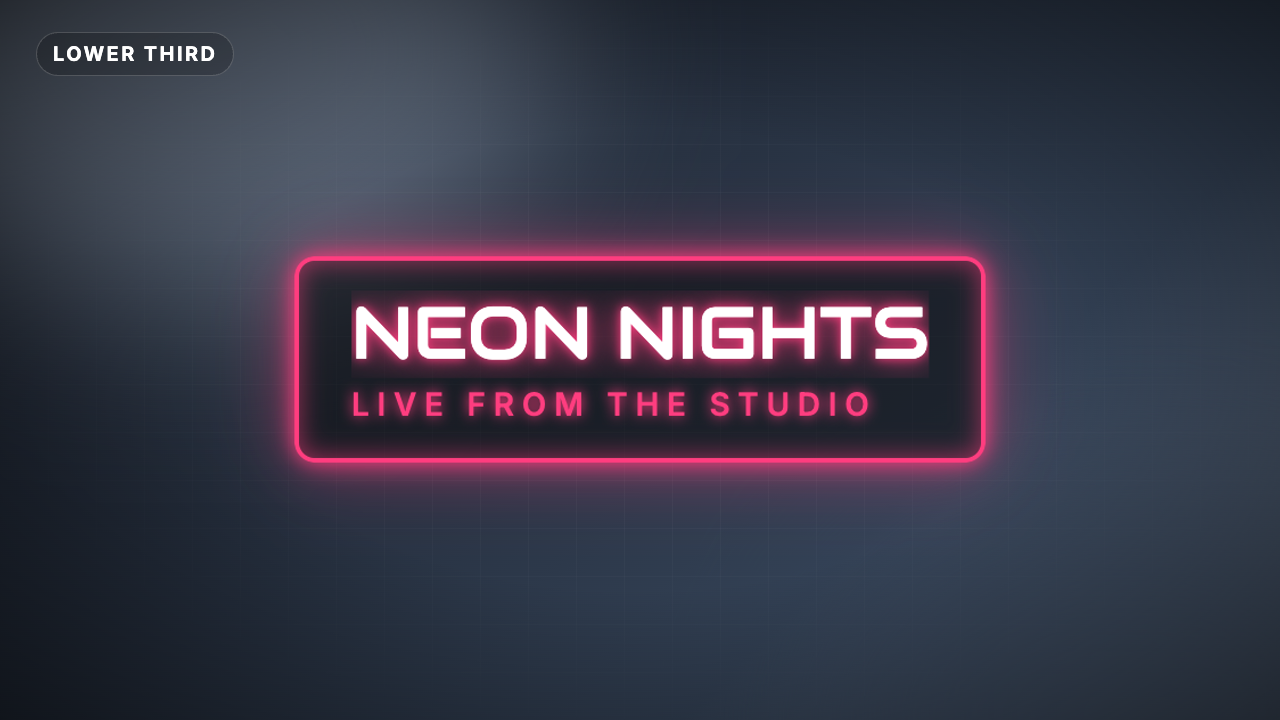
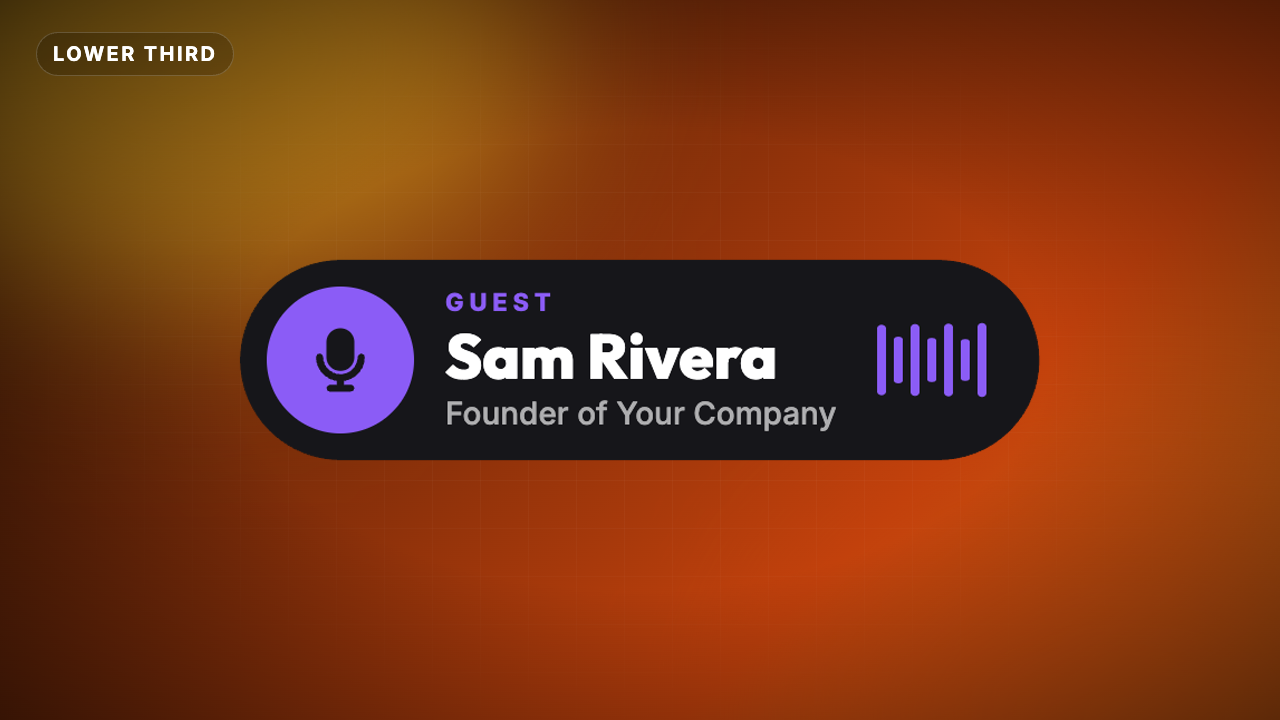
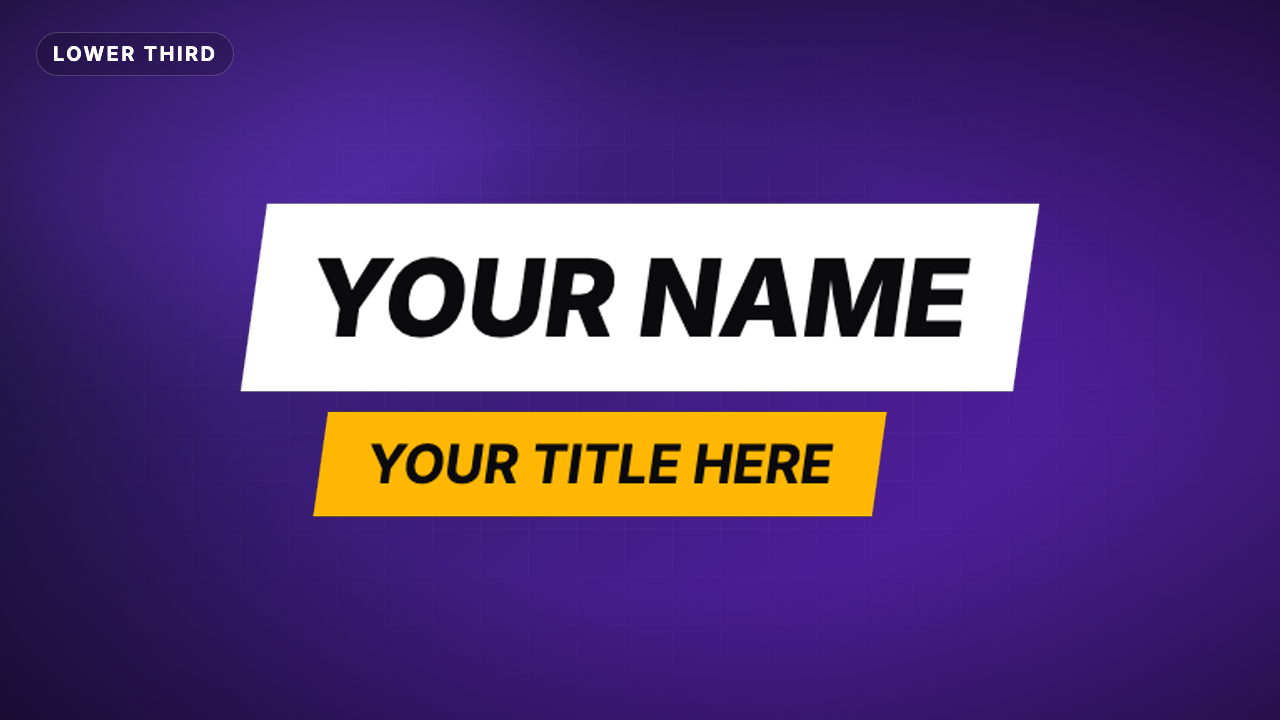
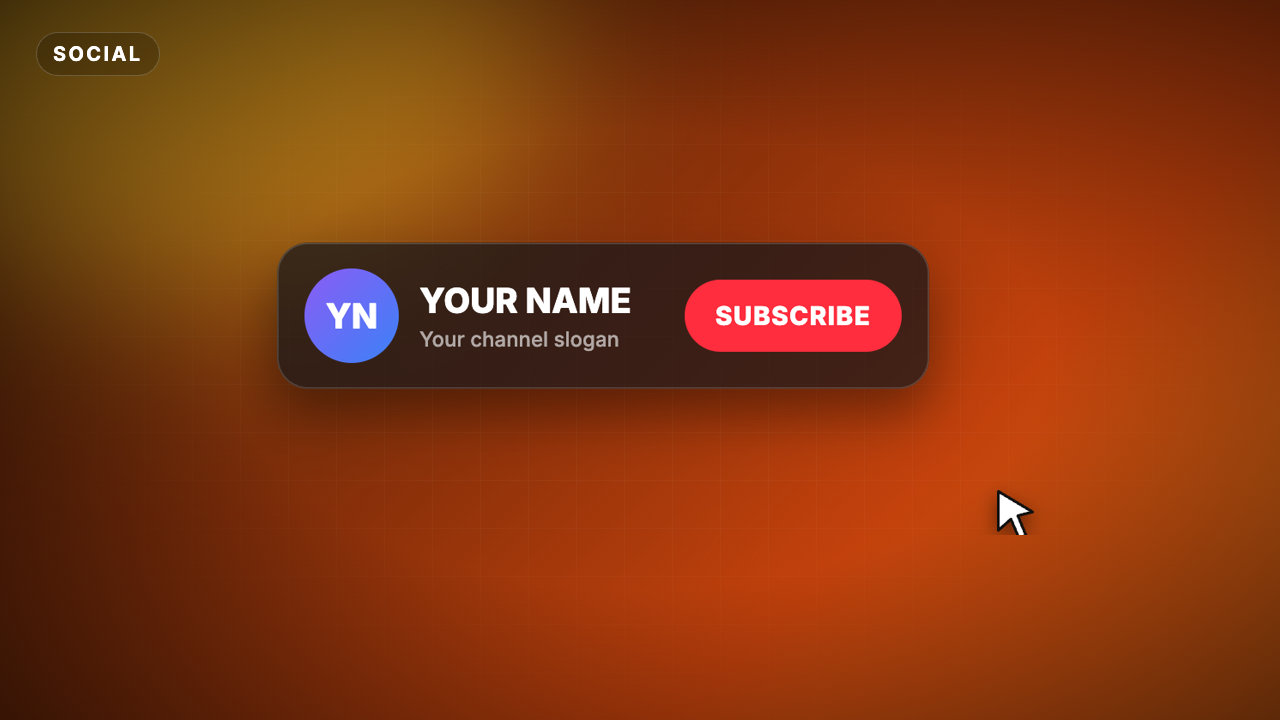
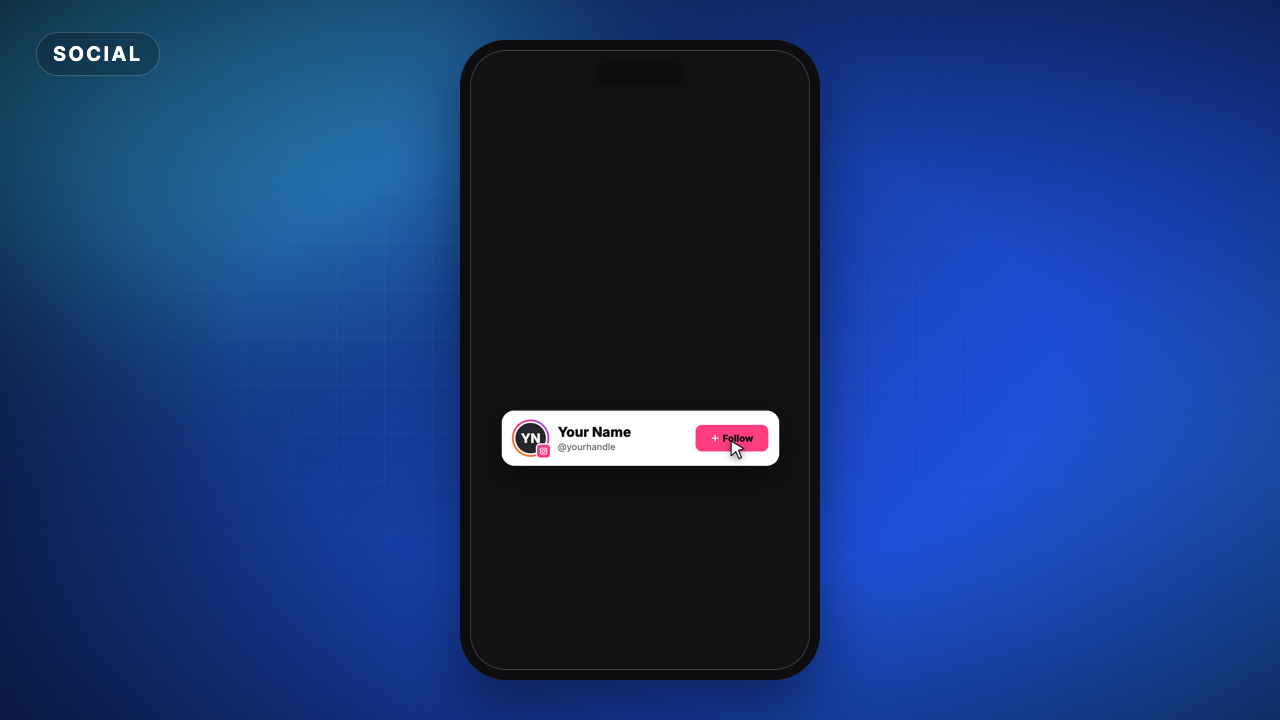
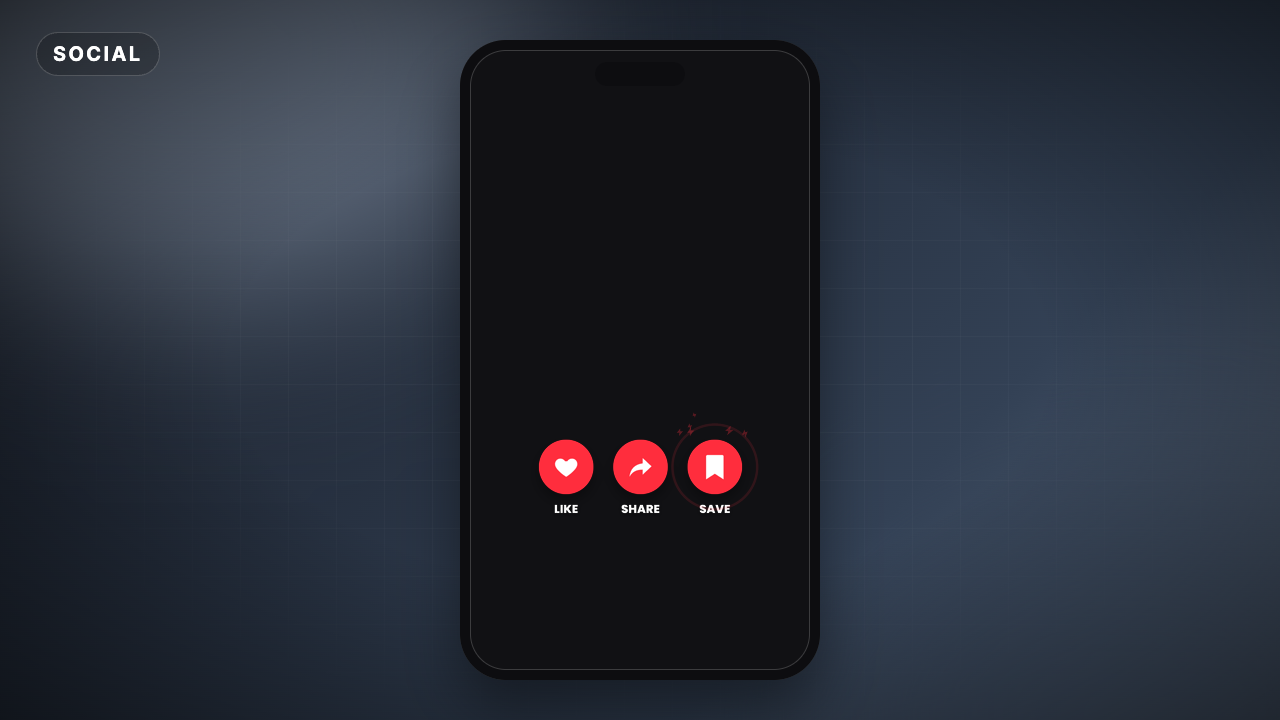
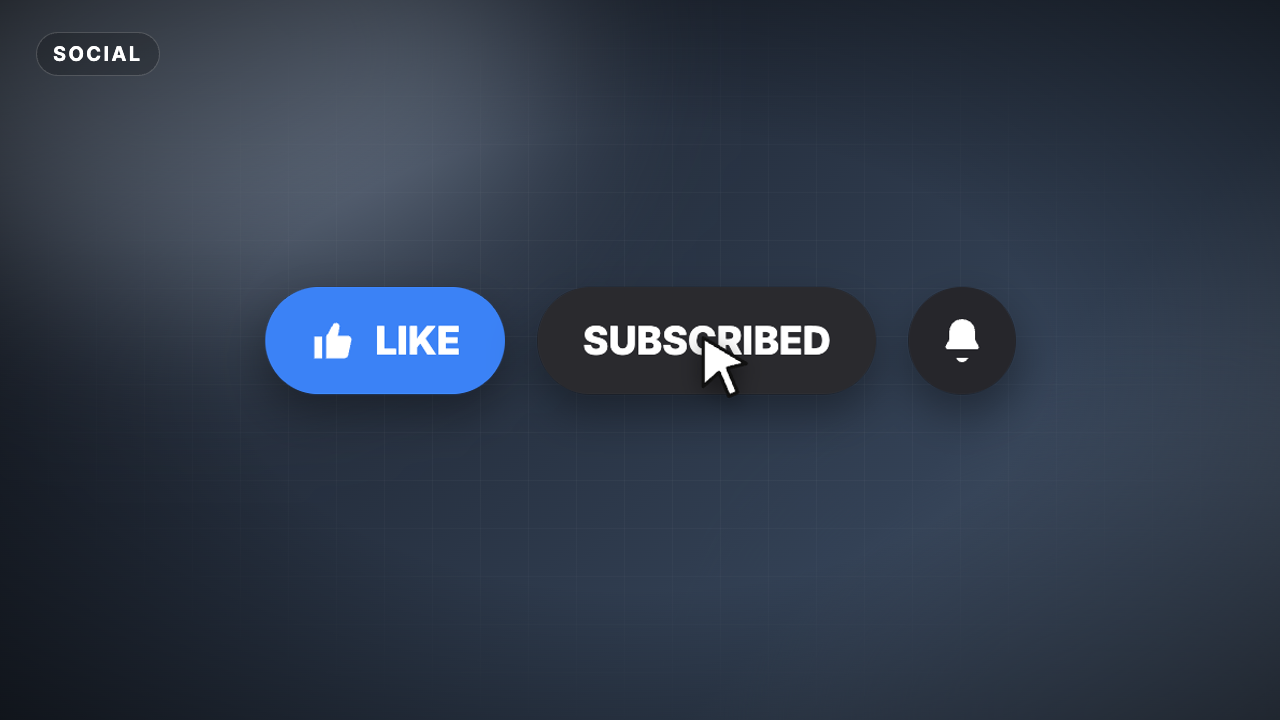
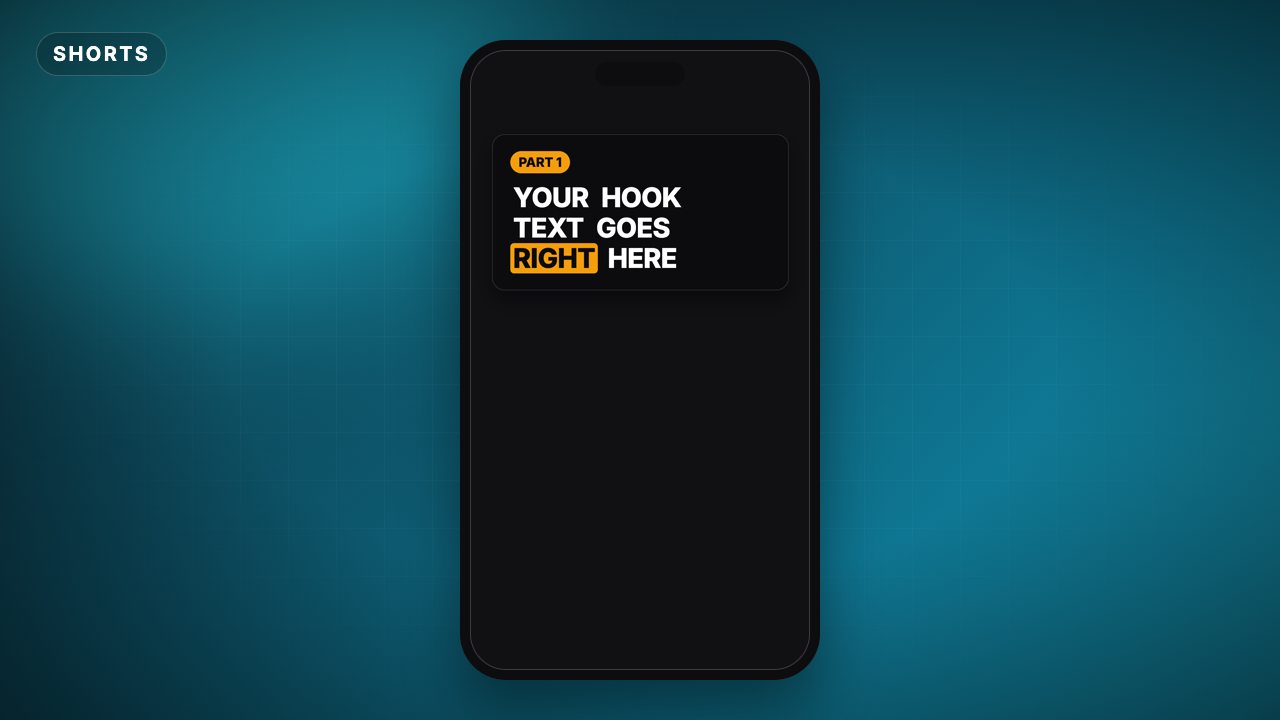
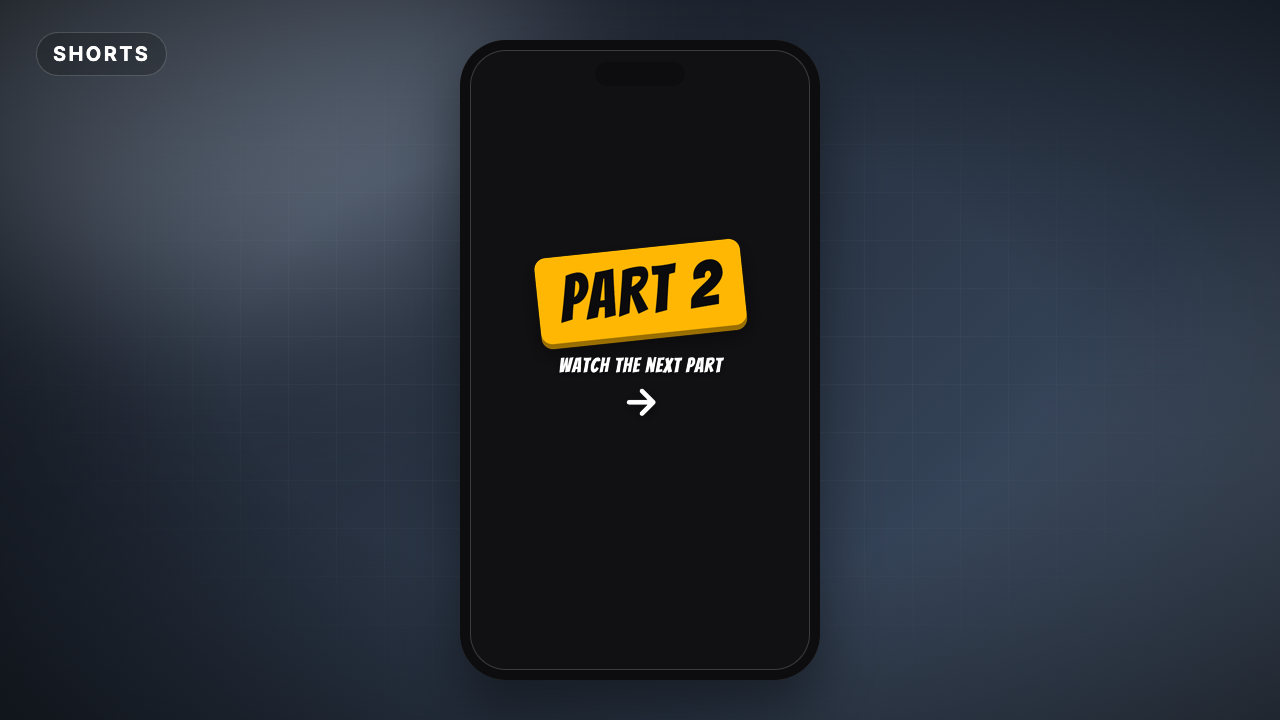
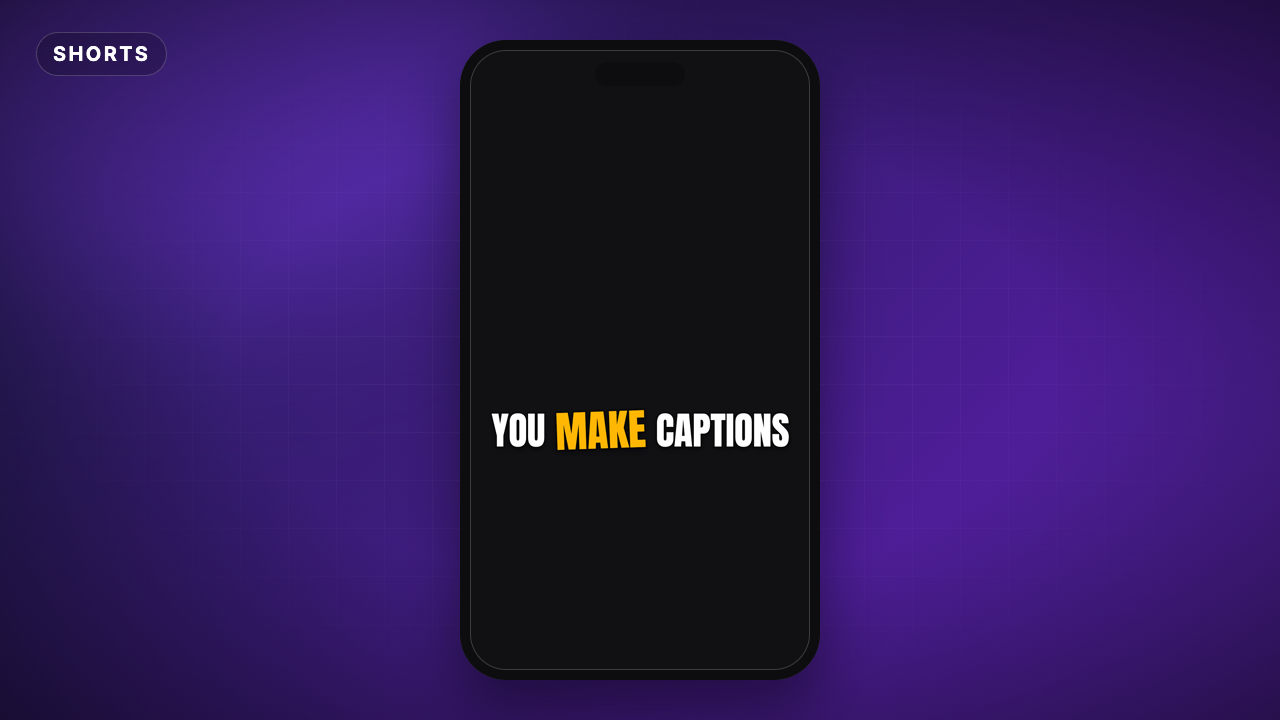
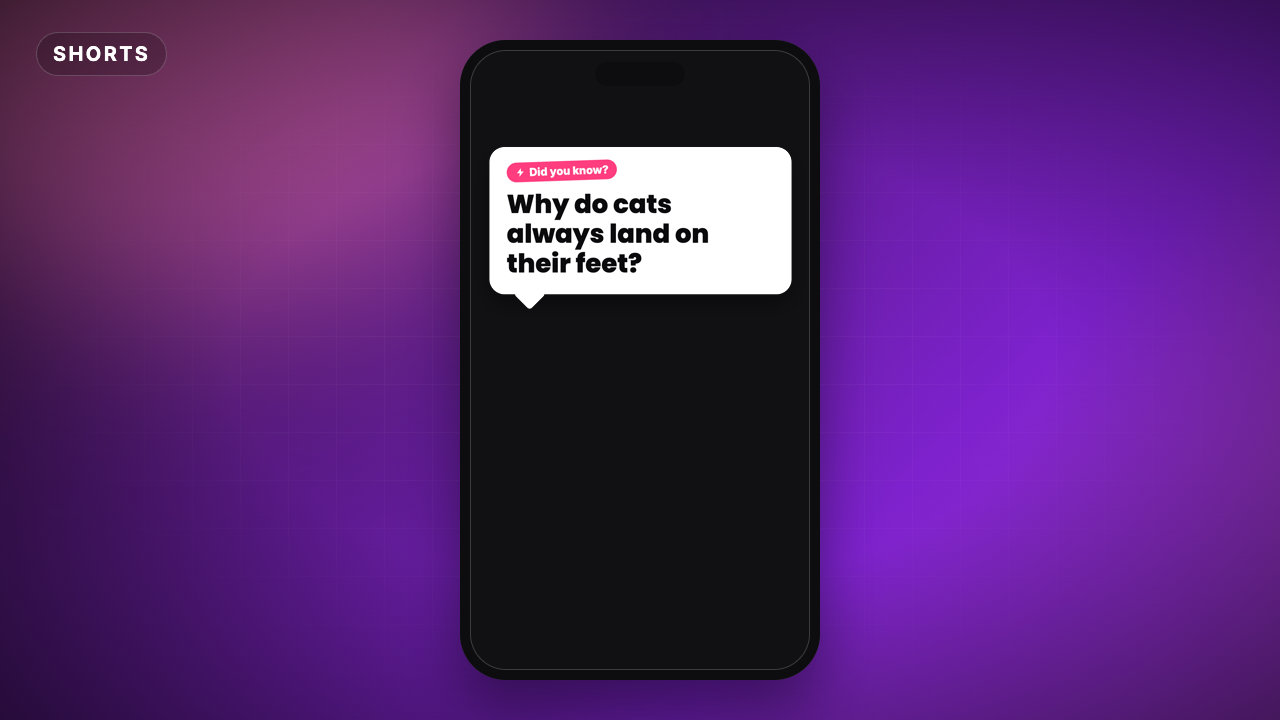
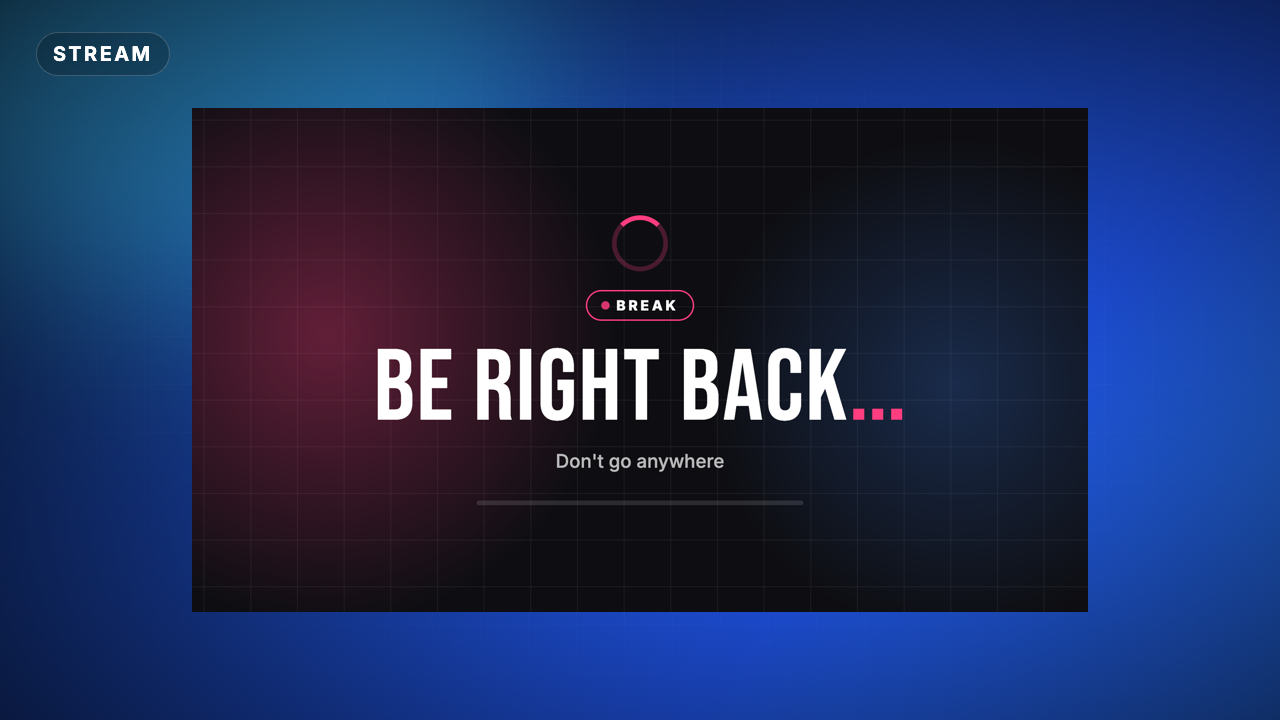
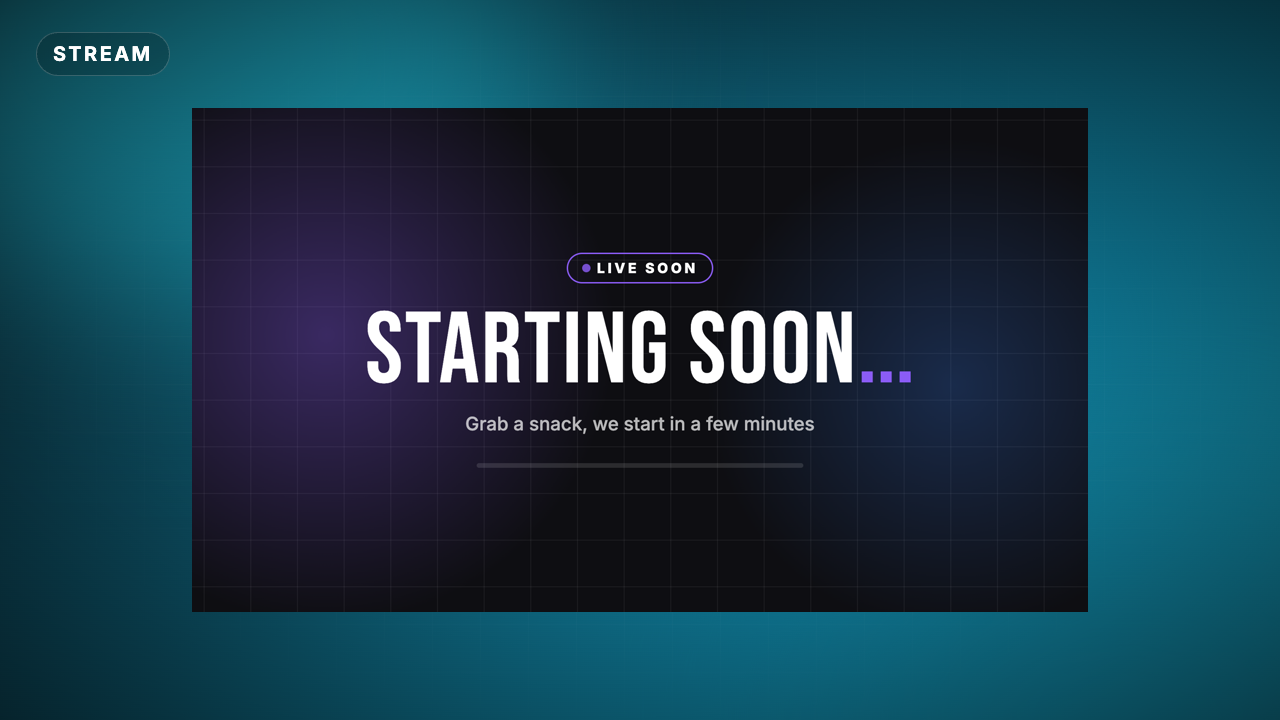
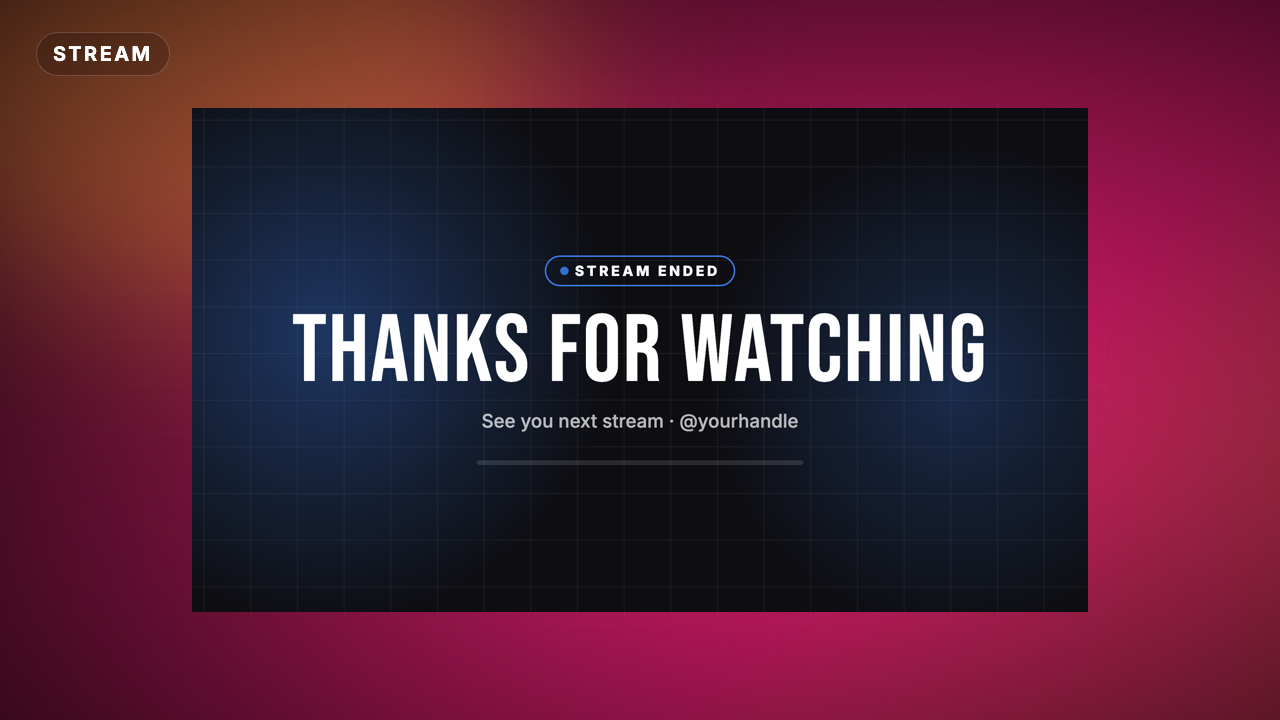
Animated titles, lower thirds, subscribe buttons, end screens and stream scenes you edit right here: text, colors, fonts and speed. No After Effects needed, the video works in every editor.
Type your text
Pick a size
Download and drop it in
56 templates
No templates match these filters
Yes. Edit the text, colors, font and speed, pick a size and download as often as you like with a free Velosofy account, for personal and commercial videos.
Yes. Most templates let you pick the accent, text and background colors, choose from dozens of fonts, set the position and make the animation faster or slower. The preview updates as you go.
Every editor. The download has a transparent .mov for Premiere Pro, DaVinci Resolve, Final Cut Pro and After Effects, and a green screen .mp4 for CapCut, Alight Motion, KineMaster and other mobile apps (use chroma key).
Yes, choose Vertical (9:16) before you create your video. Square (1:1) works well for Instagram posts.
No. The animation is rendered for you, you only type your text and drop the video on top of your clip.