
 01:18
Live preview, the checkerboard is transparent in your download
Make it yours
Edit online
Cover image
Style
Accent
Text
Background
Font
Sans serif
Condensed
Display
Serif
Script
Handwriting
Monospace
Your video is ready
A transparent .mov and a green screen .mp4 in one zip, kept for 24 hours.
The green screen .mp4 for CapCut, Alight Motion and other apps: use Chroma key to remove the green. Kept for 24 hours.
Also make it:
Show it to other creators in #showcase on our Discord
Something went wrong
Phonk Audio Visualizer
Free stream overlay template for After Effects, Filmora, Premiere Pro, Final Cut Pro, DaVinci Resolve, CapCut and Alight Motion
About this template
A glowing circular spectrum around your cover image that pulses with a phonk beat: kicks shake the screen, the cowbell lights up the bars and your song title flickers below. Loops seamlessly.
A ready-to-use video: no After Effects, no template skills. Add your text, your logo, colors and font right here, download it and drop it on your clip.
Works in every editor: a transparent .mov for Premiere Pro, DaVinci Resolve, Final Cut Pro and After Effects, and a green screen .mp4 for CapCut, Alight Motion, KineMaster and other phone apps (use Chroma key). 16:9, 9:16 for Shorts, TikTok and Reels and 1:1, 15 seconds.
Free for personal and commercial use in your videos. Not for redistribution or resale of the files themselves.
A ready-to-use video: no After Effects, no template skills. Add your text, your logo, colors and font right here, download it and drop it on your clip.
Works in every editor: a transparent .mov for Premiere Pro, DaVinci Resolve, Final Cut Pro and After Effects, and a green screen .mp4 for CapCut, Alight Motion, KineMaster and other phone apps (use Chroma key). 16:9, 9:16 for Shorts, TikTok and Reels and 1:1, 15 seconds.
Free for personal and commercial use in your videos. Not for redistribution or resale of the files themselves.
Questions
Is the Phonk Audio Visualizer free?
Yes. With a free account your first 2 videos every month have no watermark. After that they stay free with a small watermark, or one credit removes it. You can use it in personal and commercial videos.
Which apps can I use it in?
Every video editor. The download has a transparent .mov for Premiere Pro, DaVinci Resolve, Final Cut Pro and After Effects, and a green screen .mp4 for CapCut, Alight Motion, KineMaster and other phone apps (use chroma key).
Can I add my own logo?
Yes. Upload your logo (a PNG with a transparent background works best), type your text and pick colors, the preview updates as you go.
Which sizes can I make?
16:9 for YouTube, 9:16 for TikTok, Shorts and Reels and 1:1 for Instagram posts.
Do I need After Effects?
No. You type your text, pick colors and a font in the browser and download a finished video, no software or plugins needed.
More stream overlay templates. Also made for After Effects.
View all
01:18
 Edit online
00:06
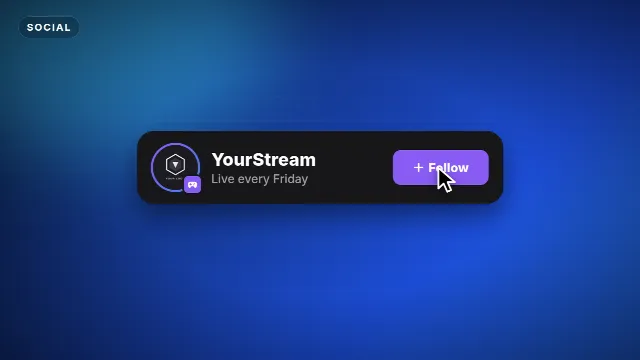
Twitch Follow Card
Velosofy
160
 01:00
80+ Overlays for Edits – Free Google Drive Pack
Noob editz
153
 Edit online
00:10
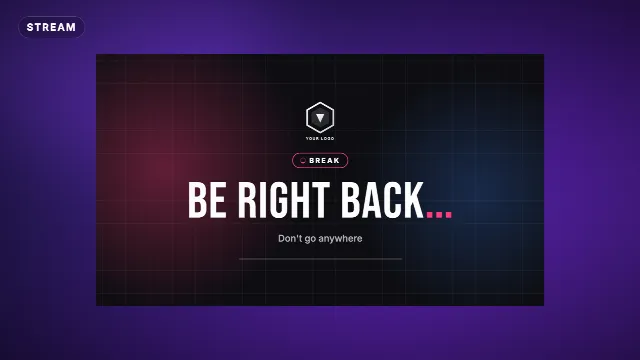
Be Right Back Stream Screen
Velosofy
211
 Edit online
00:10
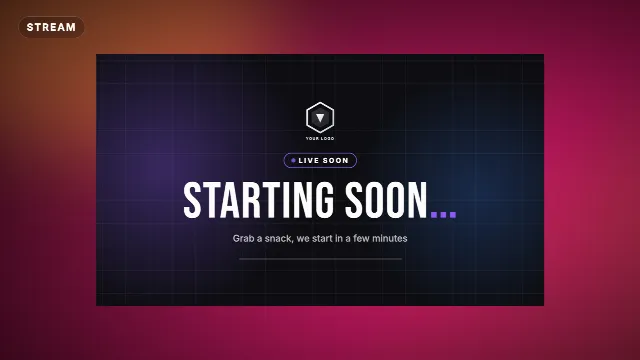
Starting Soon Stream Screen
 Edit online
00:06
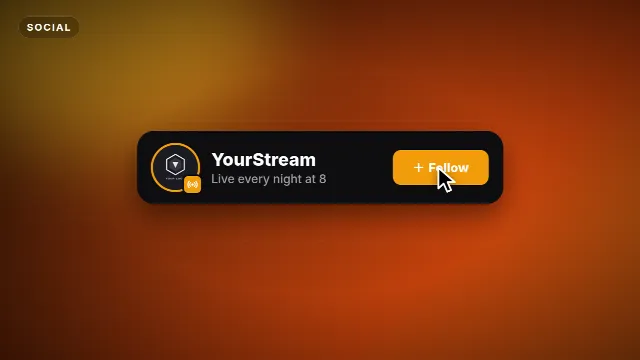
Kick Follow Card
 Edit online
00:08
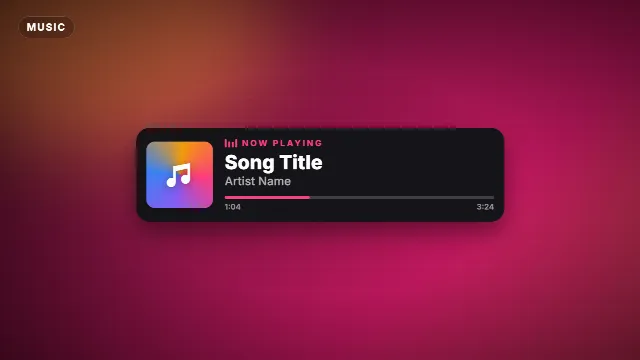
Now Playing Music Card
 03:06
FREE!! Stream Ending Soon 3D Template
Motion Cloud - Gaming
142
Explore more. Related templates on Velosofy.
All free stream overlay templates
Overlays for Twitch and YouTube
Phonk visualizer templates
Dark, bass-heavy visualizers and intros for phonk and drift phonk tracks. Drop in your song and logo and you are ready to upload.
After Effects stream overlay templates
Free stream overlays made with After Effects
All After Effects templates
1,109 free templates
Filmora stream overlay templates
Free stream overlays made with Filmora
All Filmora templates
113 free templates
Premiere Pro stream overlay templates
Free stream overlays made with Premiere Pro
All Premiere Pro templates
146 free templates
Final Cut Pro stream overlay templates
Free stream overlays made with Final Cut Pro
All Final Cut Pro templates
112 free templates