
 Edit online
00:08
Live preview, the checkerboard is transparent in your download
Your video is ready
A transparent .mov and a green screen .mp4 in one zip, kept for 24 hours.
The green screen .mp4 for CapCut, Alight Motion and other apps: use Chroma key to remove the green. Kept for 24 hours.
Also make it:
Show it to other creators in #showcase on our Discord
Something went wrong
Wedding Title
Free text & titles template for After Effects, Filmora, Premiere Pro, Final Cut Pro, DaVinci Resolve, CapCut and Alight Motion
About this template
Two names in flowing script with a golden ampersand, fine lines and a small diamond drawing out, the date fading in and petals drifting down.
A ready-to-use video: no After Effects, no template skills. Add your text, colors and font right here, download it and drop it on your clip.
Works in every editor: a transparent .mov for Premiere Pro, DaVinci Resolve, Final Cut Pro and After Effects, and a green screen .mp4 for CapCut, Alight Motion, KineMaster and other phone apps (use Chroma key). 16:9, 9:16 for Shorts, TikTok and Reels and 1:1, 8 seconds.
Free for personal and commercial use in your videos. Not for redistribution or resale of the files themselves.
A ready-to-use video: no After Effects, no template skills. Add your text, colors and font right here, download it and drop it on your clip.
Works in every editor: a transparent .mov for Premiere Pro, DaVinci Resolve, Final Cut Pro and After Effects, and a green screen .mp4 for CapCut, Alight Motion, KineMaster and other phone apps (use Chroma key). 16:9, 9:16 for Shorts, TikTok and Reels and 1:1, 8 seconds.
Free for personal and commercial use in your videos. Not for redistribution or resale of the files themselves.
Questions
Is the Wedding Title free?
Yes. Videos are free to make and download with a free account. You can use it in personal and commercial videos.
Which apps can I use it in?
Every video editor. The download has a transparent .mov for Premiere Pro, DaVinci Resolve, Final Cut Pro and After Effects, and a green screen .mp4 for CapCut, Alight Motion, KineMaster and other phone apps (use chroma key).
Which sizes can I make?
16:9 for YouTube, 9:16 for TikTok, Shorts and Reels and 1:1 for Instagram posts.
Do I need After Effects?
No. You type your text, pick colors and a font in the browser and download a finished video, no software or plugins needed.
More text & titles templates. Also made for After Effects.
View all
Edit online
00:08
 Edit online
00:05
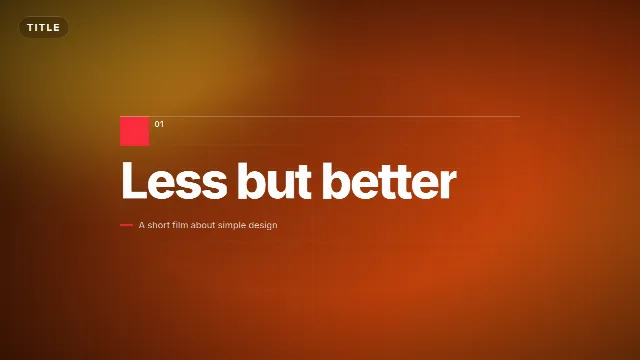
Swiss Minimal Title
Velosofy
486
 01:46
Top 10 Text Animation Presets | Trending Text Effect Alightmotion Xml|Text Effect Preset Rupesh
Rupesh Editor
192
 Edit online
00:04
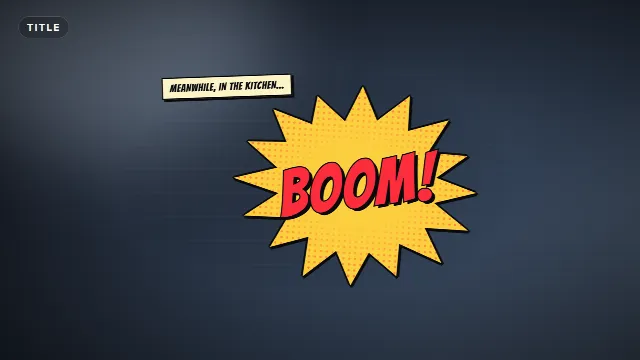
Comic Book Burst Title
 Edit online
00:06
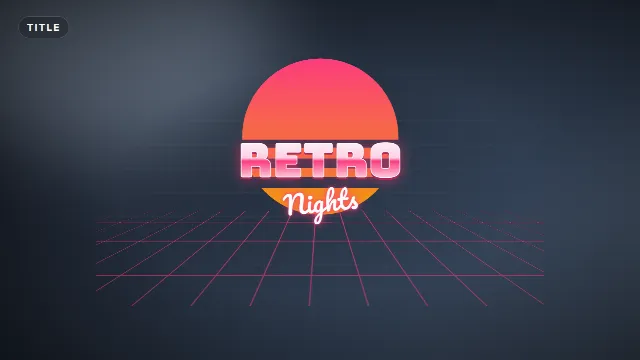
Retro 80s Title
Velosofy
326
 00:23
CapCut Text Presets
Hyra | Motion Designer
289
 Edit online
00:06
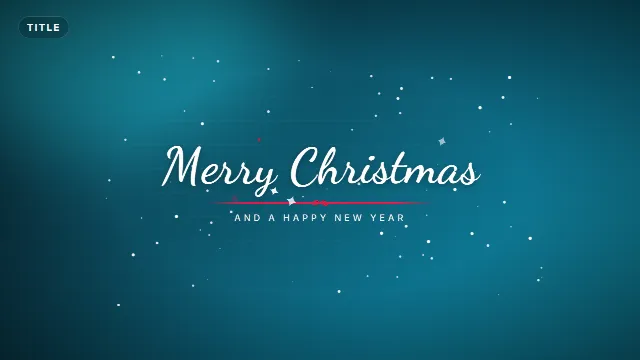
Merry Christmas Snow Title
 00:23
50 CapCut Text Animation Presets (Drag & Drop)
motionbylance
262
Explore more. Related templates on Velosofy.
All free text & titles templates
Animated text, titles and captions
Love templates
Romantic visualizers, slideshows and intros for love songs and special moments.
After Effects text & titles templates
Free text & titles made with After Effects
All After Effects templates
1,072 free templates
Filmora text & titles templates
Free text & titles made with Filmora
All Filmora templates
116 free templates
Premiere Pro text & titles templates
Free text & titles made with Premiere Pro
All Premiere Pro templates
144 free templates
Final Cut Pro text & titles templates
Free text & titles made with Final Cut Pro
All Final Cut Pro templates
115 free templates