Live preview, the checkerboard is transparent in your download
Make it yours
Edit online
Your video is ready
A transparent .mov and a green screen .mp4 in one zip, kept for 24 hours.
The green screen .mp4 for CapCut, Alight Motion and other apps: use Chroma key to remove the green. Kept for 24 hours.
Something went wrong
Falling Snow Overlay
Free stream overlay template for After Effects, Filmora, Premiere Pro, Final Cut Pro, DaVinci Resolve, CapCut and Alight Motion
About this template
A ready-to-use video: no After Effects, no template skills. Add your text, colors and font right here, download it and drop it on your clip.
Works in every editor: a transparent .mov for Premiere Pro, DaVinci Resolve, Final Cut Pro and After Effects, and a green screen .mp4 for CapCut, Alight Motion, KineMaster and other phone apps (use Chroma key). 16:9, 9:16 for Shorts, TikTok and Reels and 1:1, 12 seconds.
Free for personal and commercial use in your videos. Not for redistribution or resale of the files themselves.

Questions
Is the Falling Snow Overlay free?
Yes. With a free account your first 2 videos every month have no watermark. After that they stay free with a small watermark, or one credit removes it. You can use it in personal and commercial videos.
Which apps can I use it in?
Every video editor. The download has a transparent .mov for Premiere Pro, DaVinci Resolve, Final Cut Pro and After Effects, and a green screen .mp4 for CapCut, Alight Motion, KineMaster and other phone apps (use chroma key).
Which sizes can I make?
16:9 for YouTube, 9:16 for TikTok, Shorts and Reels and 1:1 for Instagram posts.
Do I need After Effects?
No. You type your text, pick colors and a font in the browser and download a finished video, no software or plugins needed.
More stream overlay templates. Also made for After Effects.
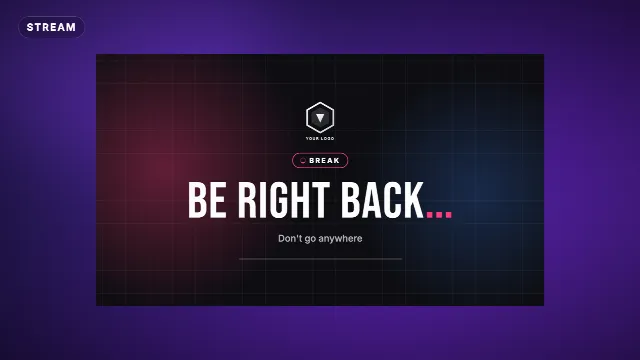
View allBe Right Back Stream Screen
04:56
FREE Stream Overlay! Game Stream Starting in 10 Minutes
Stream Ending Screen
03:06
FREE!! Stream Ending Soon 3D Template
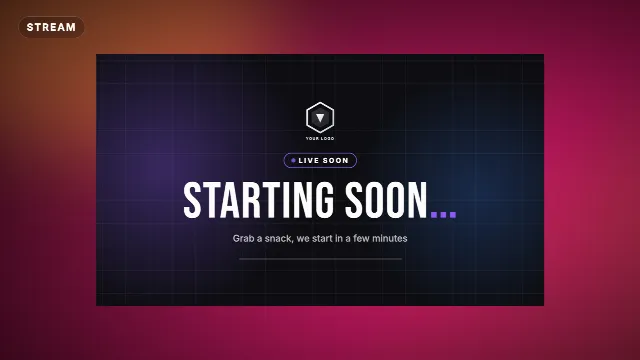
Starting Soon Stream Screen
Kick Follow Card
03:51