Skip to content

Edit online

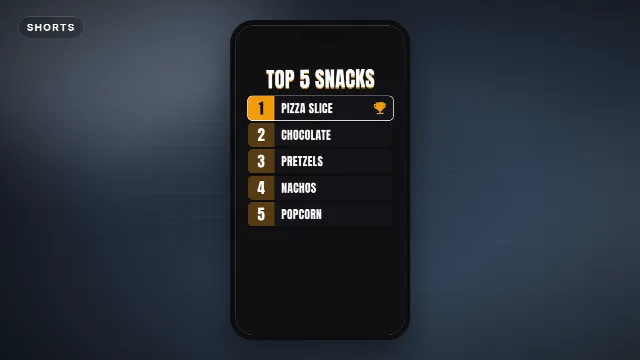
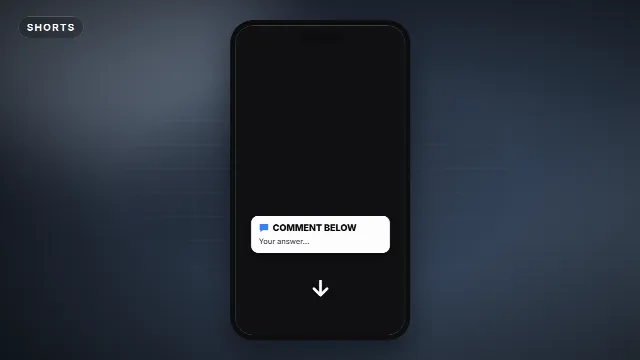
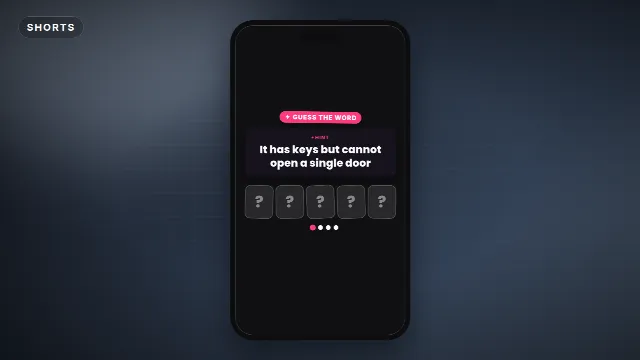
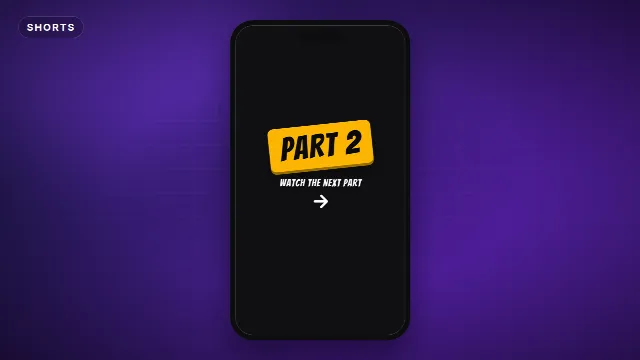
Shorts text overlays. Hooks that stop the scroll.

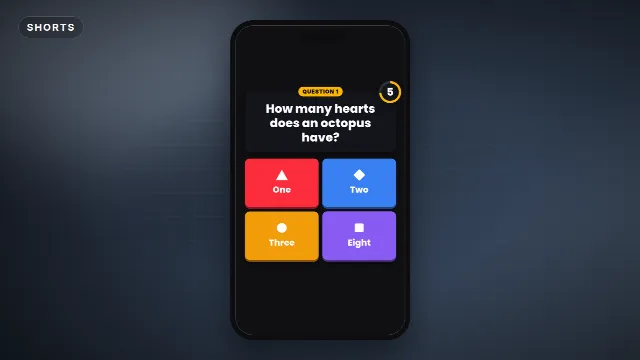
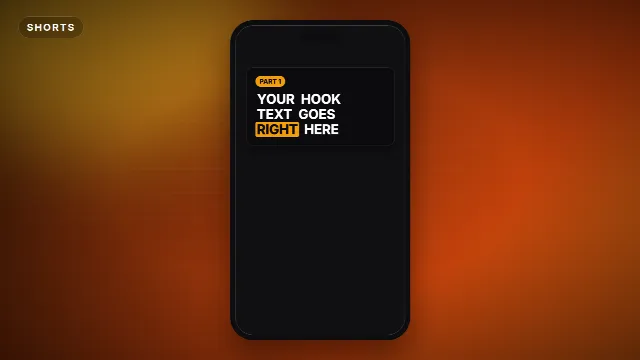
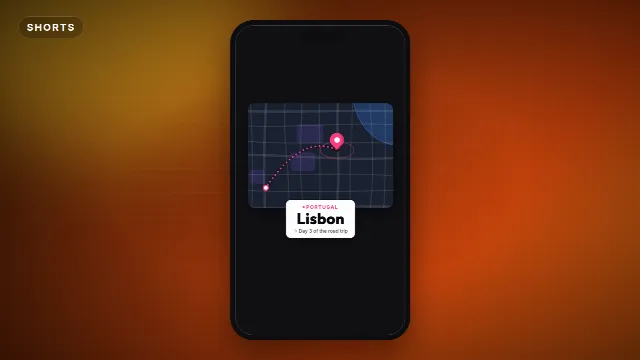
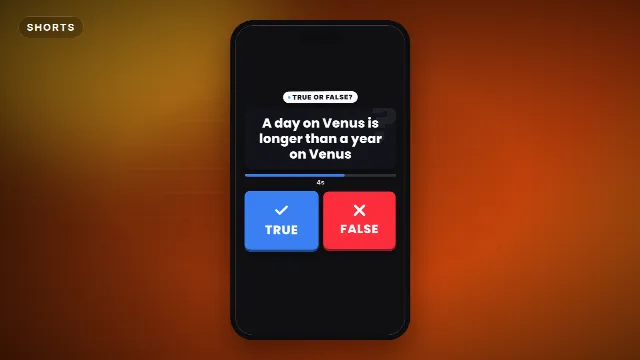
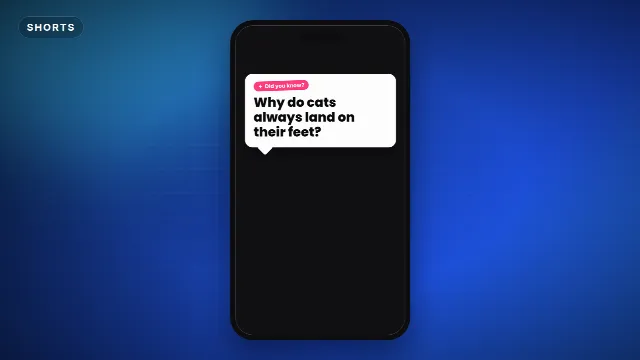
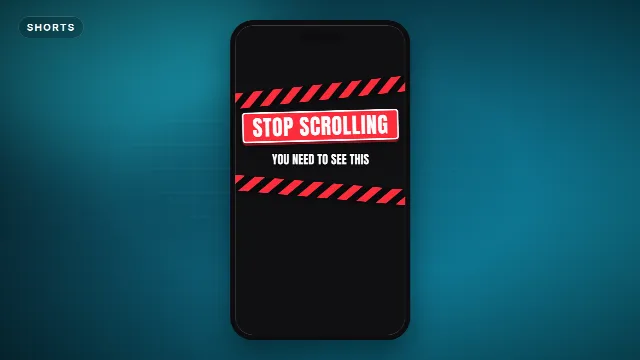
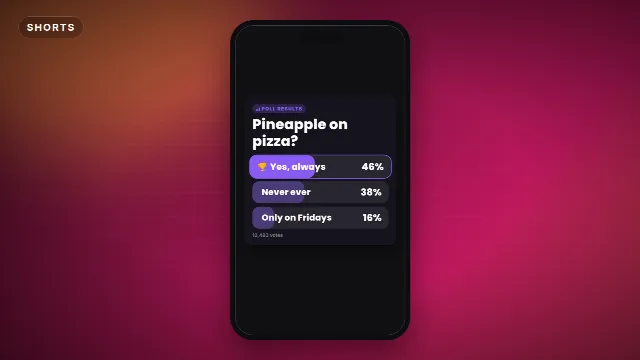
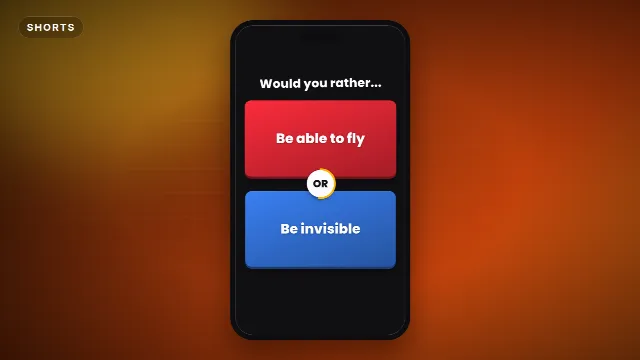
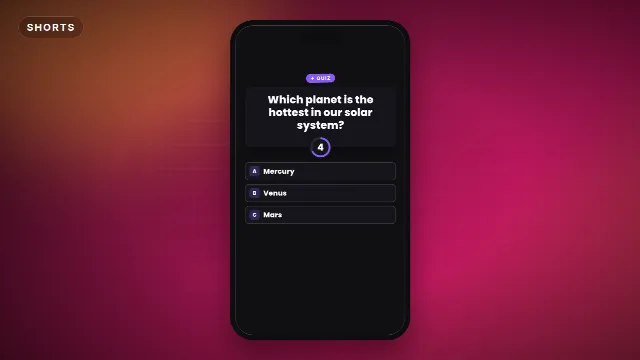
Vertical 9:16 overlays made for Shorts, TikTok and Reels: hook titles, quiz questions with a timer, top 5 lists and more. Type your text and drop it on your clip.

16 templates, the most made first. Free with a Velosofy account.

All templates you can edit →

1. Pick a template

Open one of the templates above, the preview plays right away.

2. Make it yours

Type your text, add your logo, pick colors, font, speed and size: 16:9, 9:16 or 1:1.

3. Download and use

A transparent .mov and a green screen .mp4, for Premiere Pro, DaVinci Resolve, CapCut and every other editor.

Questions. Good to know.

Do they work in CapCut?

Yes, use the green screen .mp4 and remove the green with Chroma key, or the transparent .mov in desktop editors.

Can I change the speed?

Yes, make the animation faster or slower before you download it.