Skip to content

Edit online

Lower third maker. Your name on screen in a minute.

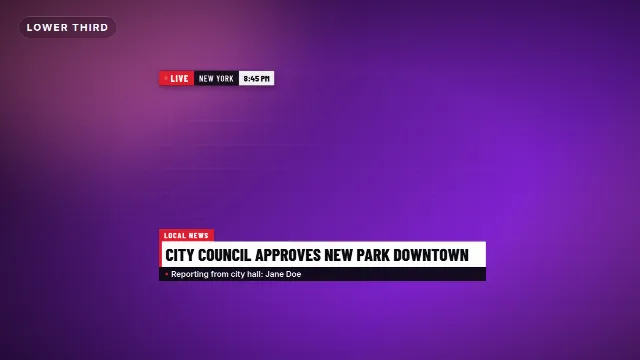
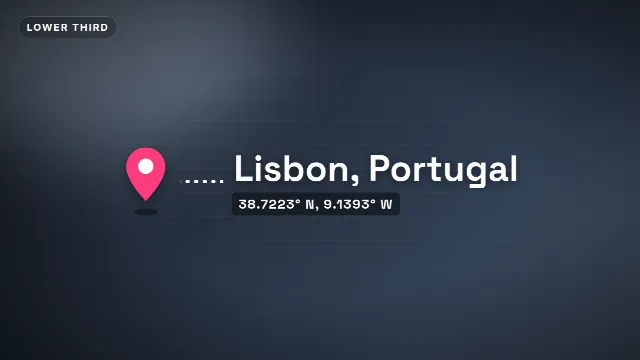
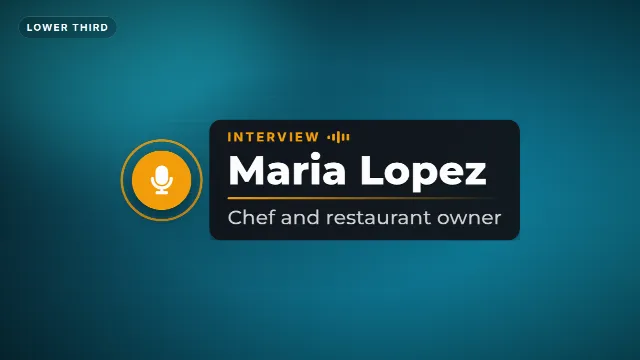
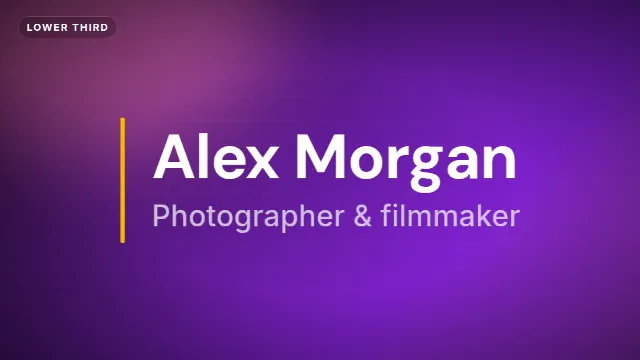
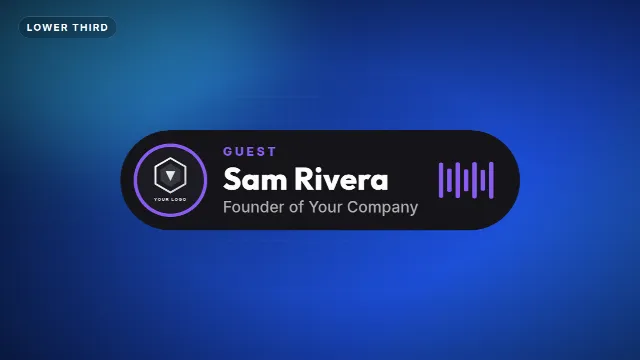
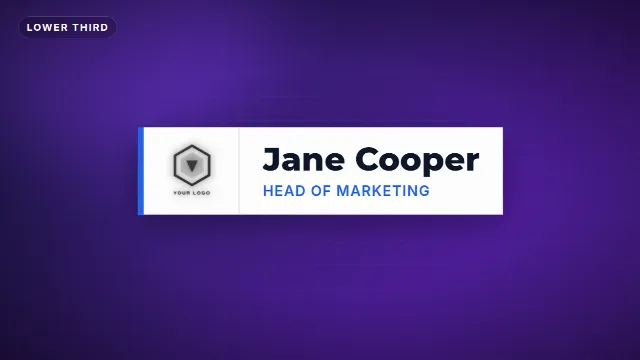
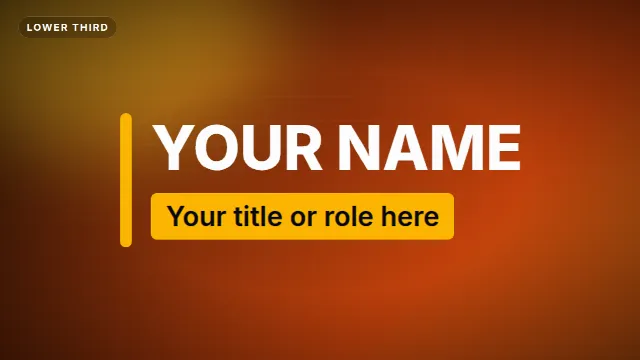
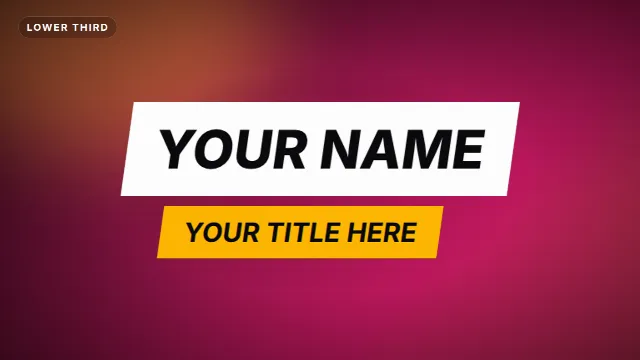
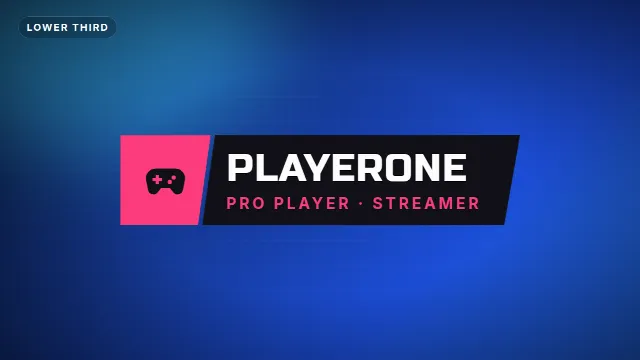
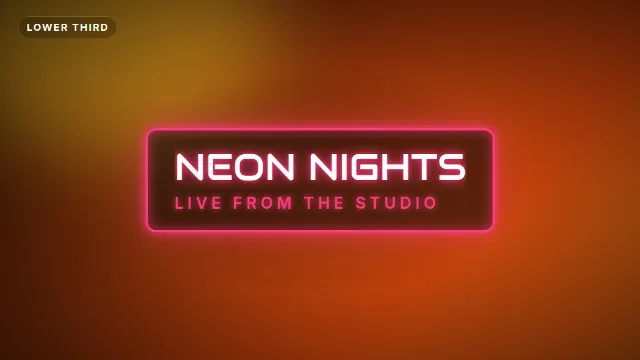
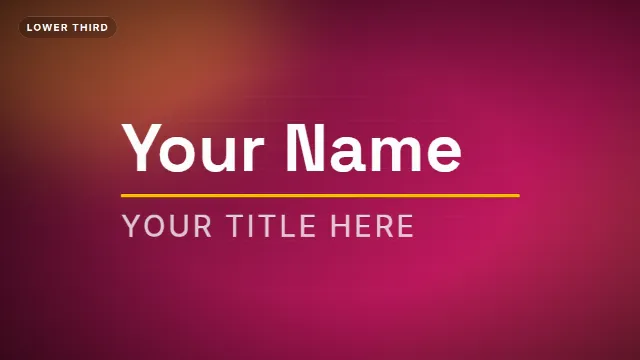
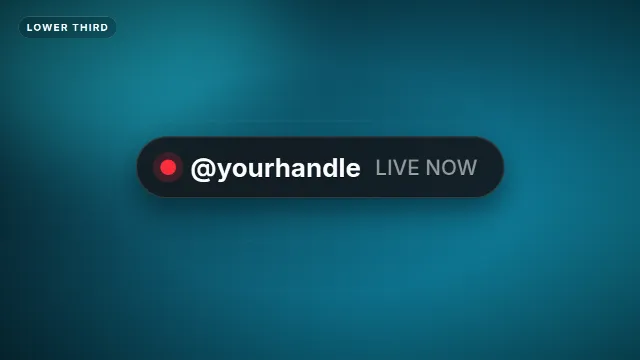
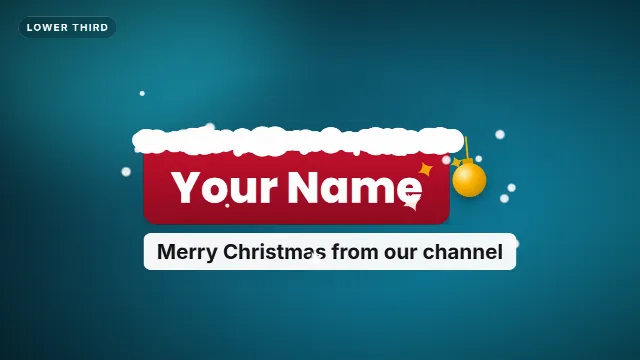
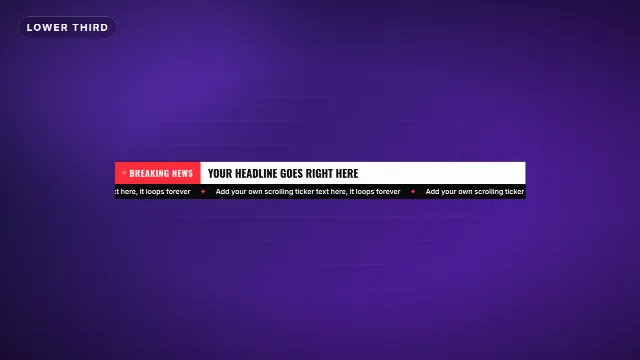
Animated name titles for interviews, vlogs, podcasts and streams. Type your name and what you do, choose your colors, and download a transparent video that sits on top of your clip in any editor.

14 templates, the most made first. Free with a Velosofy account.

All templates you can edit →

1. Pick a template

Open one of the templates above, the preview plays right away.

2. Make it yours

Type your text, add your logo, pick colors, font, speed and size: 16:9, 9:16 or 1:1.

3. Download and use

A transparent .mov and a green screen .mp4, for Premiere Pro, DaVinci Resolve, CapCut and every other editor.

Questions. Good to know.

What is a lower third?

The animated bar in the lower part of the screen with a name and title, like in interviews and on the news. It tells viewers who is talking.

Can I use it in CapCut or on my phone?

Yes. Every download has a green screen .mp4 for CapCut, Alight Motion and other phone apps (use Chroma key), and a transparent .mov for Premiere Pro, DaVinci Resolve and Final Cut.