Skip to content

Edit online

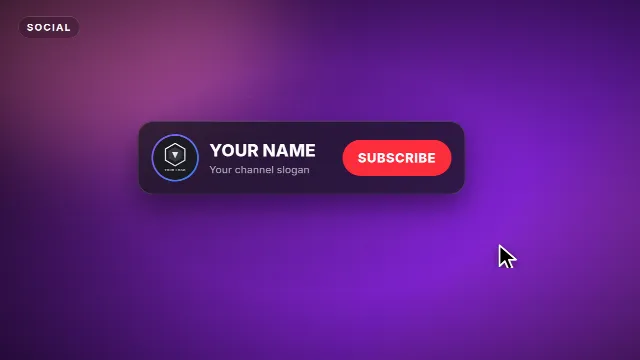
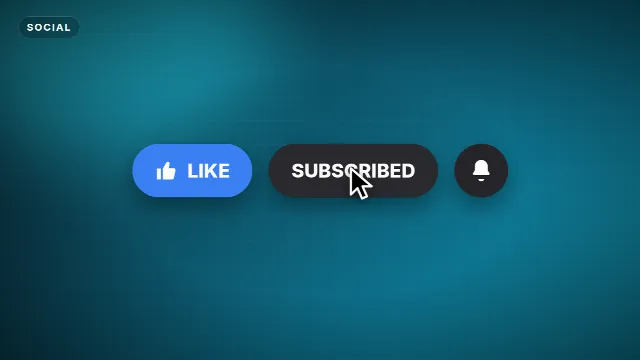
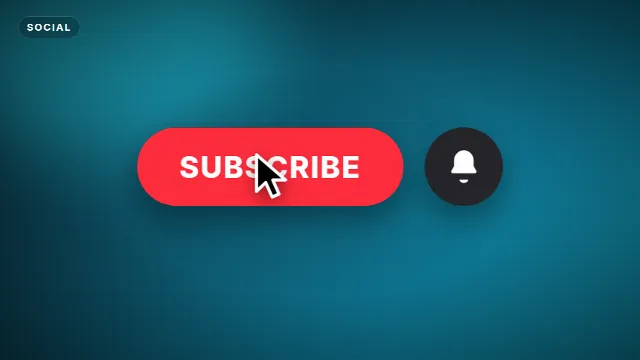
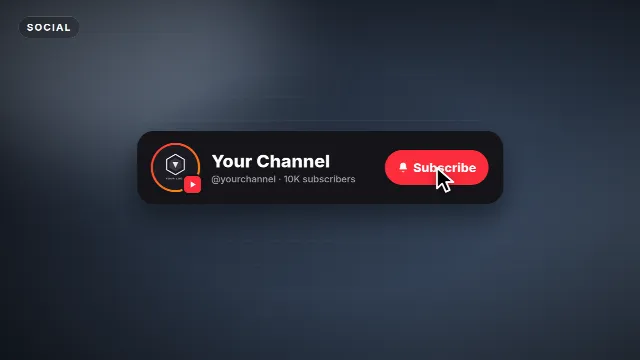
Subscribe button animation. With your own channel name.

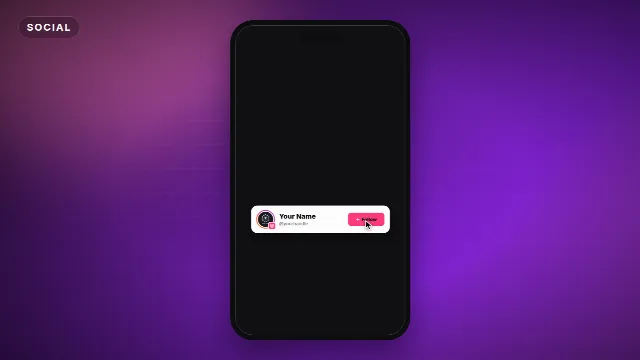
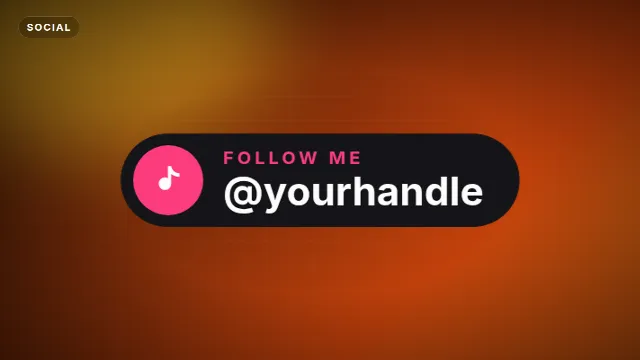
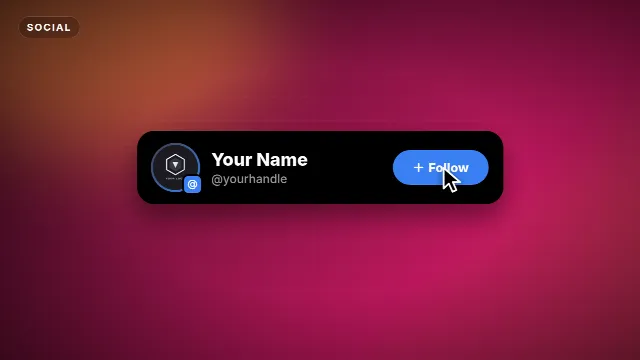
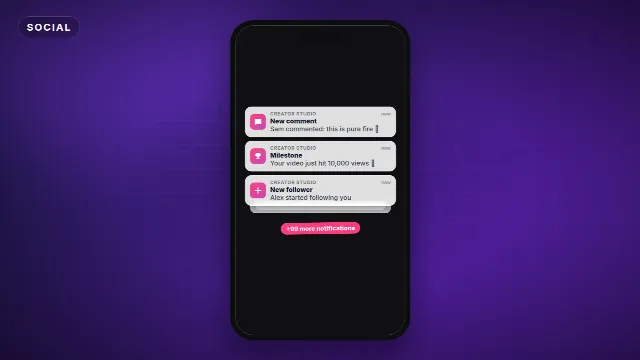
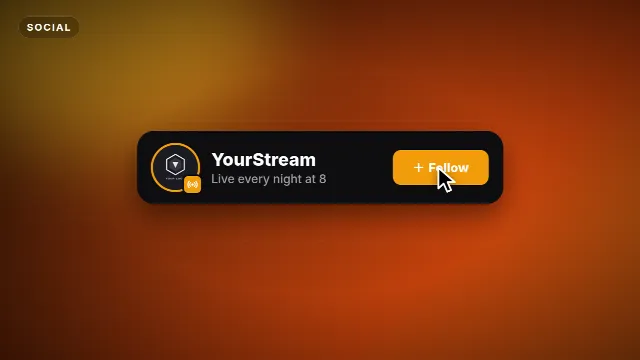
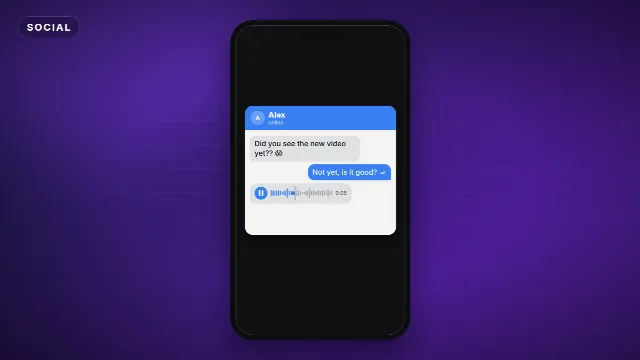
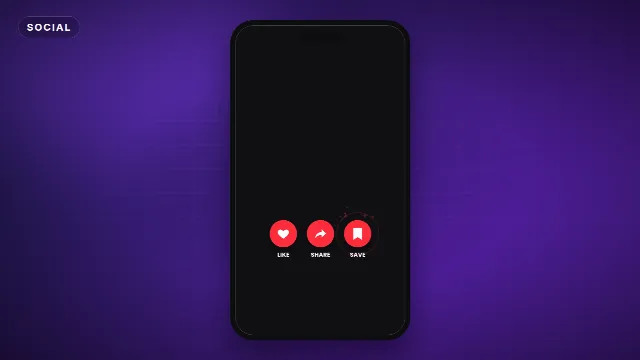
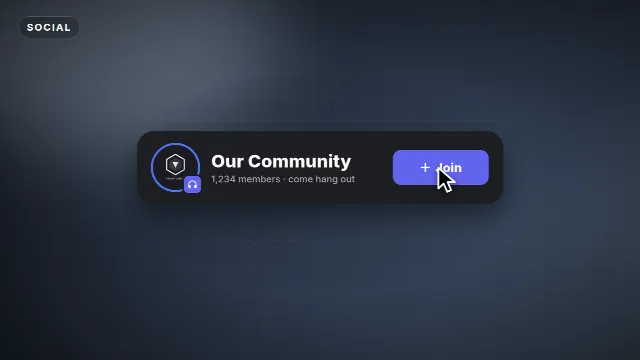
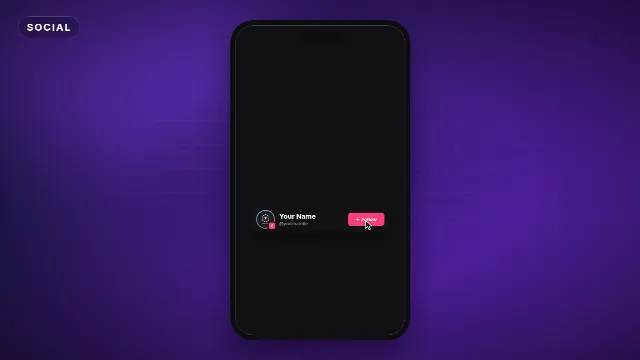
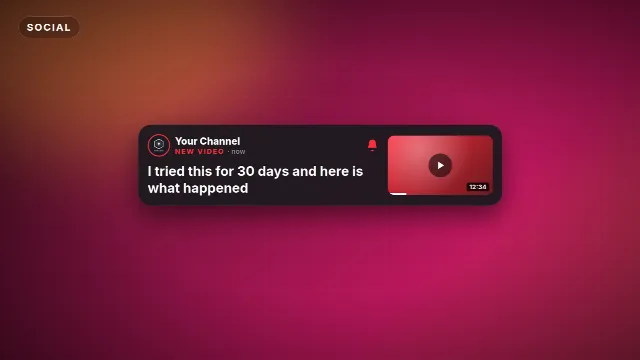
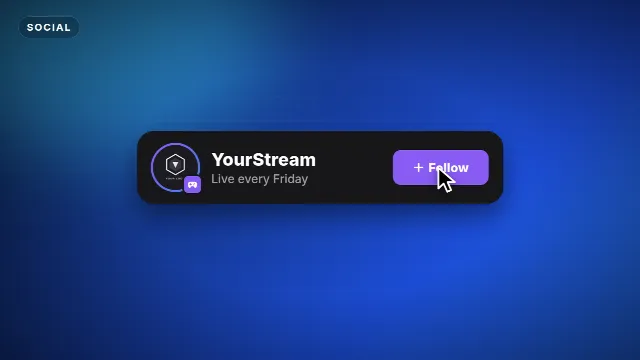
A subscribe card with your channel name, handle and logo, and a cursor that clicks Subscribe. Also follow cards for Instagram, TikTok, X, Twitch, Kick and Discord.

18 templates, the most made first. Free with a Velosofy account.

All templates you can edit →

1. Pick a template

Open one of the templates above, the preview plays right away.

2. Make it yours

Type your text, add your logo, pick colors, font, speed and size: 16:9, 9:16 or 1:1.

3. Download and use

A transparent .mov and a green screen .mp4, for Premiere Pro, DaVinci Resolve, CapCut and every other editor.

Questions. Good to know.

Can I add my own channel logo?

Yes, upload your logo (PNG with a transparent background works best) and it appears in the animation.

Where do I put it in my video?

Most creators use it in the first 30 seconds or at the end. Drop it on a track above your video, the background is transparent.