Edit online
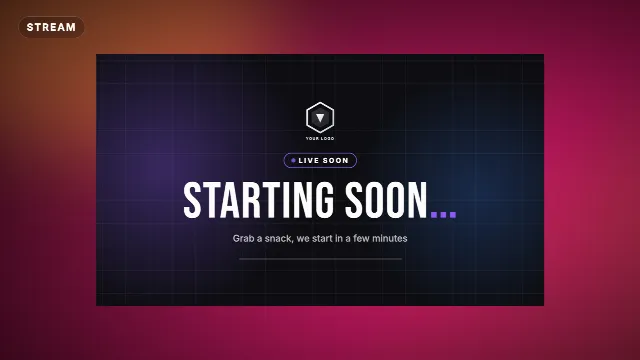
Stream screens. Starting soon, BRB and ending.
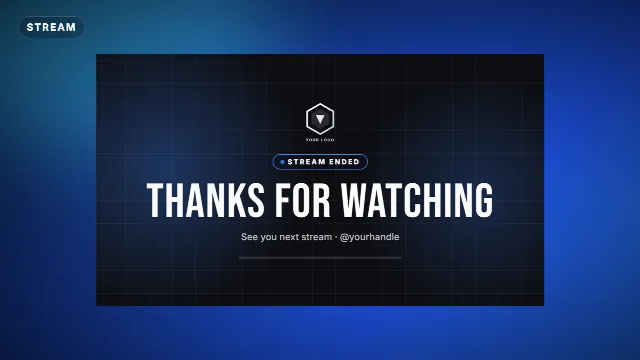
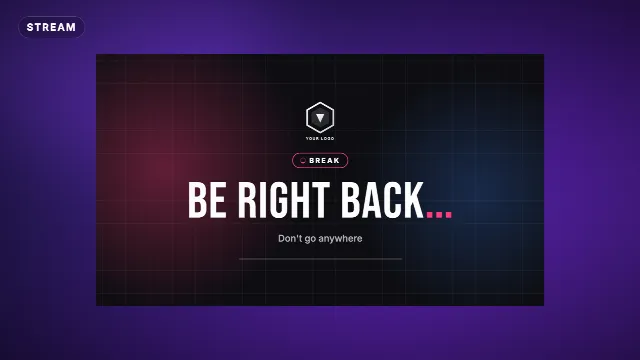
Starting soon, be right back and stream ending screens with your channel name and colors. Download them and add them as a scene in OBS or Streamlabs.
4 templates, the most made first. Free with a Velosofy account.
All templates you can edit →Stream Ending Screen
Be Right Back Stream Screen
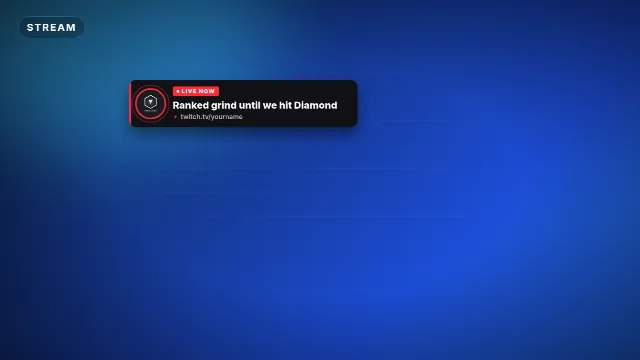
Live Now Alert
1. Pick a template
Open one of the templates above, the preview plays right away.
2. Make it yours
Type your text, add your logo, pick colors, font, speed and size: 16:9, 9:16 or 1:1.
3. Download and use
A transparent .mov and a green screen .mp4, for Premiere Pro, DaVinci Resolve, CapCut and every other editor.
Questions. Good to know.
How do I add it to OBS?
Add a Media Source with the downloaded .mov or .mp4, tick Loop, and put it in its own scene.
Can I put my social handles on it?
Yes, the stream screens have fields for your channel name and handles.