
Edit online
Make it in your browser, free
Type your text, download the video. No app needed.
On this page · 5 sections
Would You Rather videos ask viewers to choose between two options: "Would you rather be able to fly or be invisible?" They work because everyone has an opinion, so people stop scrolling, pick a side and comment why. A countdown gives them a moment to choose, then the votes show what everyone else picked. On Velosofy you make each question in the browser, ready to post as a Short, a TikTok or a Reel, or as part of a longer YouTube video. This guide shows how to make them, how to write questions that get comments, and how to turn them into a series.
The Would You Rather template
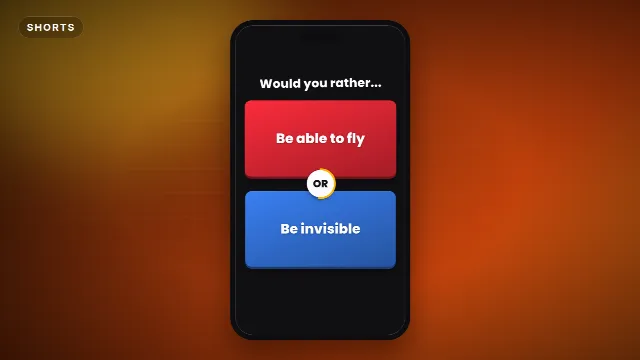
The Would You Rather template shows your heading, two big cards in red and blue and a white OR badge between them. A 5 second timer runs around the badge, then the cards fill up with the votes, the percentages count up and the winning side gets a crown. You type:
Free template
Would You Rather
- Heading: "Would you rather..." or your own, up to 28 characters
- Option 1 and Option 2: up to 60 characters each
- Votes for 1: the percentage for the first choice, the second gets the rest
On vertical and square videos the cards stack on top of each other, on landscape they sit side by side. Each question runs for 10 seconds, with ticks, a beep and a ding for the winner.
Other quiz formats to mix in
| Format | Try |
|---|---|
| Pick one of two, with votes | Would You Rather |
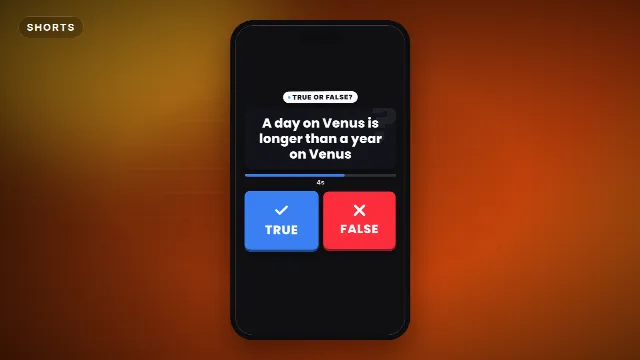
| Fact or fake | True Or False Quiz |
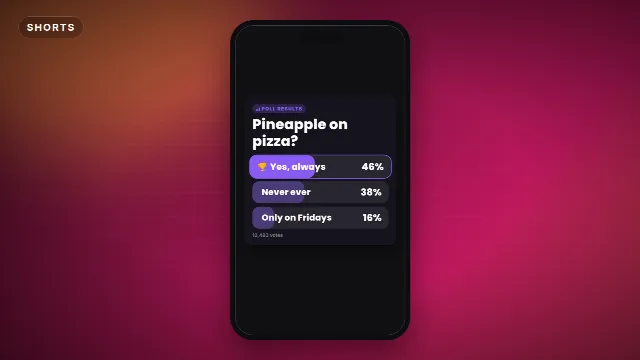
| Results of a poll with more options | Poll Results Bars |
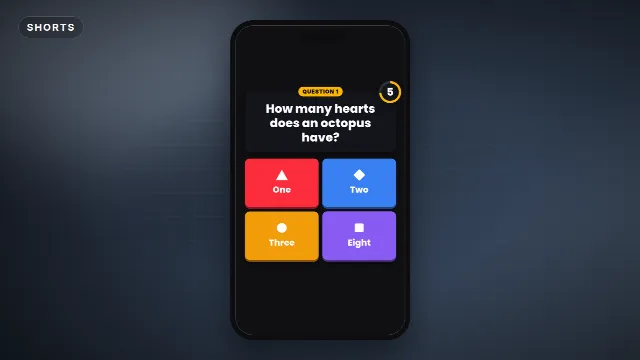
| Trivia with four answers | Four Answer Quiz Game |
Make it step by step
- Open the Would You Rather template and go to the editor on its page.
- Type both choices. Keep them about the same length, so neither looks more important.
- Set the votes with the slider, for example 64% for the first choice.
- Pick a font and the animation speed. A faster speed makes a shorter video.
- Choose 9:16 for Shorts and TikTok, or 16:9 for YouTube.
- Create the video. It renders on our server in about a minute, then you download it.
For the next question, open your video in My videos and make it again. The font, speed and size are kept, so you only change the two choices and the votes.
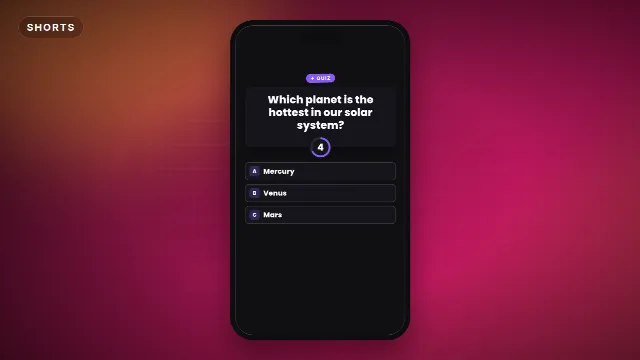
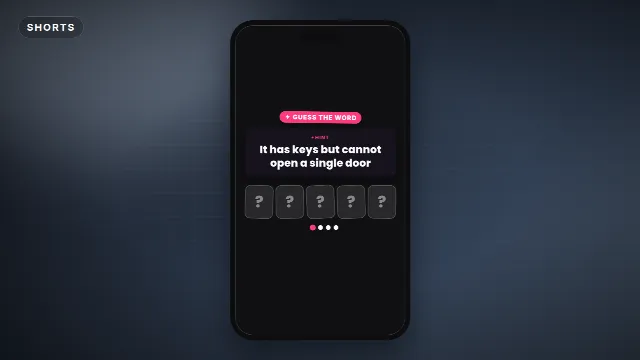
Quiz templates on Velosofy
Write questions people want to answer
Make both sides tempting
"Would you rather have a million euros or a cold?" has an easy answer, so nobody comments. "Would you rather never use your phone again or never watch TV again?" splits people, and that's what gets comments.
Pick a theme
Food, superpowers, school, gaming, travel or "impossible choices": a theme makes a series easier to find and makes people watch the next one. Put it in your title, for example "Would You Rather: Gaming Edition #3".
Use real votes
Ask your followers first with a poll in your YouTube community tab or Instagram story, and use the results in the video. Viewers like to see if they agree with everyone else.
Ask for the comment
End with "Comment your answer" or "Which did you pick?" on screen or in your voice. The Comment Below Prompt does this with an animated arrow.
Put it together
- For a Short: one question, a background (a color, gameplay or your own face) and trending music under it, quieter than the ticks.
- For a long video: 10 to 20 questions after each other, with an intro and an end screen. See how to make a trivia quiz game video for planning a full quiz.
- In CapCut, use the
-greenscreen.mp4as an overlay with Chroma key, see green screen overlays in CapCut. In Premiere Pro, DaVinci Resolve and Final Cut Pro, use the transparent-alpha.mov.
Checklist
- Two choices that split people, about the same length
- Votes from a real poll, or numbers that start a discussion
- A theme and a number in the title
- "Comment your answer" at the end
- 9:16 for Shorts and TikTok, 16:9 for a full video
Browse all Shorts templates, read how to make a quiz video for Shorts, or search for quiz templates.
Frequently asked questions
Edit online
Make your first question
Free with a free account, in 16:9, 9:16 or 1:1.
Type two choices, set the votes and download it with a timer, sound and the winner crowned.
Edit online for free