
Edit online
Make it in your browser, free
Type your text, download the video. No app needed.
On this page · 6 sections
A New Year countdown video counts the last seconds of the year on screen, so you and your viewers can shout along and celebrate at zero. It works as the big moment of a New Year's Eve video, as a Short posted at midnight, or live in a stream. On Velosofy you make one in the browser: open the New Year Countdown, type "Countdown to 2027" and your message, and download a transparent video. This guide shows how to time it so zero lands exactly on midnight, how to add it in Premiere Pro, DaVinci Resolve, CapCut and OBS, and a few ideas to make it more than a number on a black screen.
The New Year countdown template
New Year Countdown
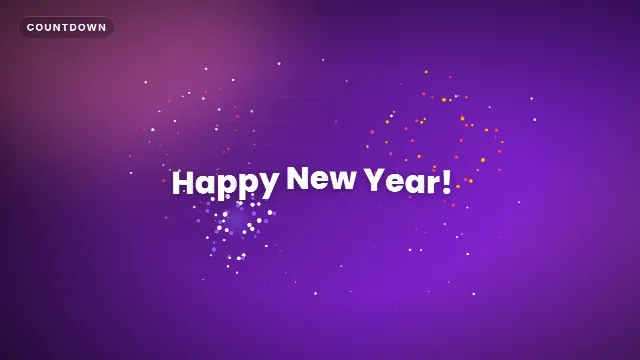
The New Year Countdown counts from 10 to 1 in a glowing ring that drains every second, with snow falling in the background. The last three numbers turn your accent color. At zero, five firework bursts go off and your message pops in letter by letter. You can change:
Free template
New Year Countdown
- Top line: above the ring, up to 28 characters. "Countdown to 2027" by default.
- At zero: the message after the fireworks, up to 24 characters. "Happy New Year!" by default.
- Accent color, text color and font, and the animation speed.
The sound is built in: a tick every second, beeps for 3, 2 and 1, then booms and a sparkle for the fireworks. The clip is 14 seconds long and comes in 16:9, 9:16 and 1:1. The Christmas intro guide shows how to reuse the same template as a countdown to Christmas.
Write the top line and the message
Put the new year in the text: "Countdown to 2027", "Goodbye 2026" or "Last seconds of 2026" on top, and "Happy New Year!", "Hello 2027" or "Happy 2027!" at zero. A greeting in your own language works just as well, as long as it fits in 24 characters. Keep the accent warm (gold, pink, white). Avoid green, because the countdown also comes as a green screen file and a green accent would be keyed out.
New Year and countdown templates


Time it so zero lands on midnight
This is the part most countdowns get wrong. With the animation speed at 1 (the default), the clip runs like this:
| In the clip | On screen | Real time |
|---|---|---|
| 0.0 s | The ring flies in | 23:59:49.4 |
| 0.6 s | 10 | 23:59:50 |
| 7.6 s | 3, in the accent color | 23:59:57 |
| 10.6 s | Fireworks and your message | 00:00:00 |
| 14.0 s | End of the clip | 00:00:03.4 |
So the rule is simple: zero is 10.6 seconds into the clip. Every number appears exactly that many seconds before midnight. Leave the speed slider at 1, because it changes the whole clip, the seconds too. At 1.5 the ten seconds are over in under seven.
Add it in your editor
Premiere Pro
- Import the
-alpha.movand the clip you want underneath, for example fireworks or the party. - Put the playhead where midnight should be and press M to add a marker.
- Drop the countdown on V2 and move it so its start sits 10.6 seconds before the marker. The fireworks then hit the marker.
DaVinci Resolve
- Import the
-alpha.movinto the Media Pool and add a marker at midnight with M. - Place the clip on Video 2, starting 10.6 seconds before the marker.
- If you see black instead of your footage, open Clip Attributes on the clip and set the alpha mode to Straight.
CapCut and other phone apps
- Add the
-greenscreen.mp4with Overlay → Add overlay and stretch it to fill the frame. - Tap Cutout → Chroma key, pick the green and raise Intensity until it is gone.
- Move it so the fireworks fall on the moment you want, then export in 9:16 for a Short or a story.
The same green screen file works in Alight Motion and KineMaster. More detail in how to use transparent video overlays and how to use green screen overlays in CapCut.
Use it in a New Year's Eve live stream
In a stream there is no timeline, so you start the countdown by hand, on time.
- In OBS, make a scene called "Midnight" with your camera or game, and add the
-alpha.movas a Media Source on top. - In the source properties, turn off Loop and turn on Restart playback when source becomes active, so it starts from the beginning every time you switch to the scene.
- Give the scene a hotkey under Settings → Hotkeys, so you don't have to click.
- Watch an accurate clock (an atomic clock website, not the clock on your wall) and press the hotkey at 23:59:49, half a second before ten seconds to go.
Viewers watch your stream a few seconds behind, so zero reaches them a little after the real midnight. Most people celebrate with the stream anyway. If your chat is in a different time zone, run the countdown again at their midnight. For the rest of the evening, see starting soon and be right back screens for OBS.
Ideas for your countdown video
A year recap before the count
Cut the best clips of your year together, one or two seconds each, and let the montage end where the countdown starts. Put the countdown over the last ten seconds of the recap, so your highlights keep playing behind the ring.
Fireworks footage underneath
The transparent file has nothing behind the ring but the snow, so you can put your own video underneath: real fireworks, a city skyline, your friends with sparklers. Line up a big real burst with zero and the template's fireworks join in.
A countdown Short at midnight
Render the 9:16 size, put a short clip of you or your setup underneath, and schedule it for midnight. Keep the message at zero in the upper half, above the captions and buttons of TikTok, Reels and Shorts.
10 Second Timer
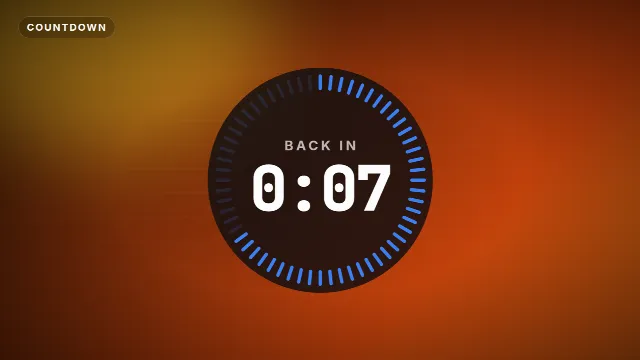
For a calmer look without fireworks, the 10 Second Timer is a round timer with 60 ticks that switch off as a digital clock counts down. It suits a minimal stream layout, and you can cut to your own celebration at zero. For a falling snow layer over the whole evening, add the Falling Snow Overlay, which loops seamlessly.
Free template
10 Second Timer
Checklist
- The new year in the top line, a greeting of up to 24 characters at zero
- Animation speed at 1, so the seconds are real
- Zero at 10.6 seconds: start the clip at 23:59:49.4
- Transparent .mov for desktop editors and OBS, green screen .mp4 for phone apps
- Your own footage underneath: a recap, fireworks or the party
Find more festive templates under Christmas and New Year templates, all countdown templates, or read how to add a countdown timer to a video for countdowns the rest of the year.
Frequently asked questions
Edit online
Make your New Year countdown
Free with a free account, in 16:9, 9:16 or 1:1.
Type the year and your message, pick colors and download a 10 second countdown with fireworks.
Edit online for free