
Edit online
Make it in your browser, free
Type your text, download the video. No app needed.
On this page · 9 sections
On a long YouTube video, a short intro builds your brand. On YouTube Shorts the same intro is a swipe button: viewers decide in about a second whether to keep watching. That does not mean Shorts cannot be branded. It means the order changes: hook first, brand second. Here is how to open a Short so people stay, and still make it recognizably yours.
Why classic intros hurt Shorts
- No context yet. In the Shorts feed, nobody chose your video. A logo before the content gives them nothing to stay for.
- Every second counts. A three second intro can be a large part of a short video.
- Wrong shape. A 16:9 intro shows up as a small strip with black bars on a vertical screen.
What a good hook looks like
The first second should make the viewer curious, or show the payoff right away. Proven openers:
- Show the result first: the finished edit, the final build, the drop of the song.
- Ask or promise something: on-screen text like "Wait for the drop" or "Three free intros in 20 seconds".
- Start mid-action: no fade in, no greeting, the first frame already moves.
- Pattern break: a sound, a zoom or a cut that feels different from the previous Short in the feed.
Where your branding goes instead
A branded moment after the hook
A quick logo sting of under a second, after the viewer is hooked, works much better than a front-loaded intro. Keep it vertical and full screen.
Consistent text style
Use the same font, colors and caption style in every Short. After a few videos, people recognize your Shorts before they see your name.
A small watermark
A subtle logo in a corner that is not covered by the player interface. Keep it small and transparent so it does not distract.
Shorts and vertical templates
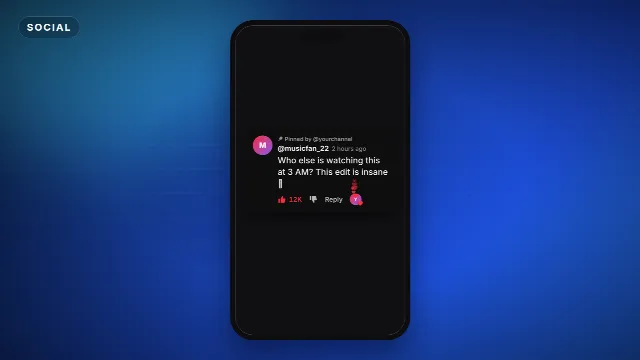
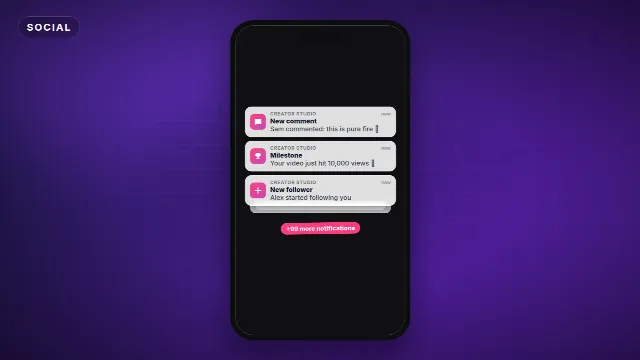
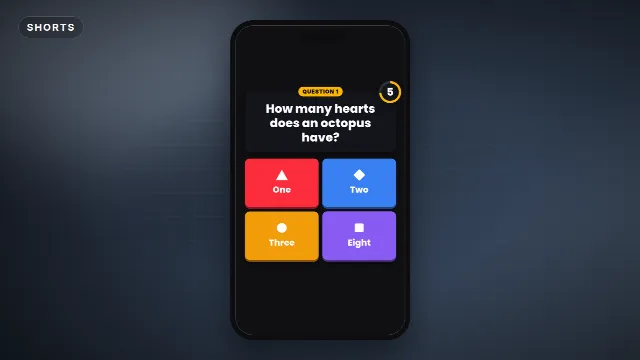
Set up your vertical project
| Setting | Value |
|---|---|
| Aspect ratio | 9:16 (vertical) |
| Resolution | 1080 × 1920 |
| Frame rate | 30 or 60 fps |
| Text position | Middle of the screen, away from the bottom and right edge |
Editing on your phone? Our CapCut intro guide and Alight Motion presets guide both work for vertical projects too, just choose 9:16 when you start.
A simple structure that works
- 0 to 1 second: the hook, a result or a question on screen.
- 1 to 2 seconds: a quick branded moment, optional.
- The middle: deliver what the hook promised, with fast cuts and captions.
- The end: loop back to the start or tease the next Short, so viewers keep watching or follow.
Music visualizers as Shorts
Music channels can post the drop of a track as a vertical visualizer. Export a 9:16 version of your visualizer and start right at the drop. Find vertical-friendly looks among the phonk and bass boosted visualizers, or read how to make a music visualizer with Avee Player.
Hook ideas by niche
| Niche | First second |
|---|---|
| Music | Start on the drop with the visualizer already moving |
| Gaming | The best moment of the clip, then rewind to how it happened |
| Tutorials | The finished result on screen, with "here's how" as text |
| Editing tips | A before and after split in the first frame |
| Templates | The template playing full screen with your name in it |
Captions do half the work
Many viewers watch Shorts without sound at first. Large, high contrast captions in the middle of the screen keep them watching until they turn the sound on. Animate them word by word, and keep the style the same in every Short so your captions become part of your brand. Find animated text styles among the text and title templates.
Quick checklist
- Does the first frame already move?
- Is it clear within a second why someone should keep watching?
- Is all text inside the safe middle area?
- Is the branding consistent with your other Shorts?
- Does the ending invite a rewatch?
Need visuals? Browse transitions, text animations and subscribe buttons.
Frequently asked questions
Edit online
Templates made for vertical video
Free with a free account, in 16:9, 9:16 or 1:1.
Shorts, TikTok and Reels templates in 9:16.
Browse Shorts templates