
Edit online
Make it in your browser, free
Type your text, download the video. No app needed.
On this page · 6 sections
An animated title tells viewers what is coming: the name of the video, a new chapter, a location, a quote. A good one matches the tone of the video and is readable in a second. A bad one is the default font from your editor flying in from the side. This guide walks through the main title styles, when each one fits, how to pick a readable font, and how to make your own titles online without After Effects.
Where titles are used in a video
- Opening title: the name of the video or series, after your hook.
- Chapter titles: break a long video into parts, so viewers know where they are. Try the Chapter Title.
- Location or date cards in vlogs and travel videos.
- Quotes and key points, like the Quote Card.
- Names of people, which is a job for a lower third, see how to make a lower third.
Title styles and when they fit
Kinetic
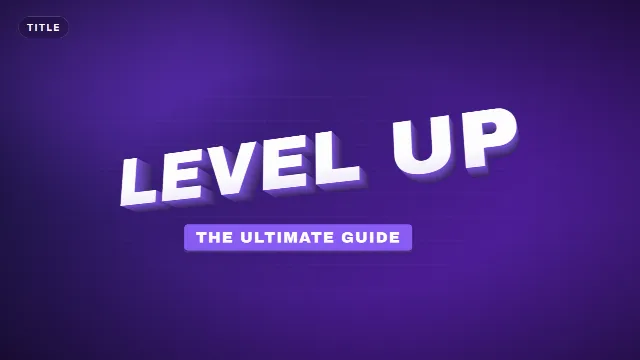
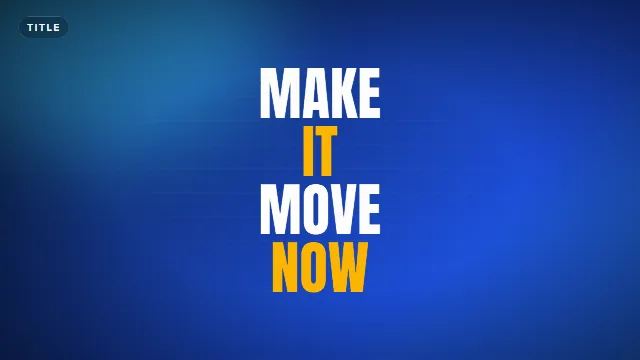
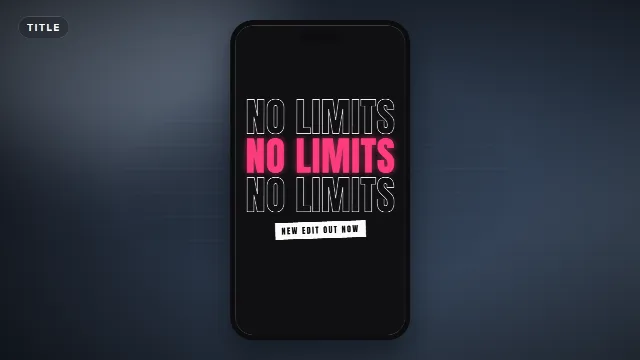
Words slam in one after another, often in big bold letters. Kinetic type adds energy and works for hype edits, sports, gaming and fast-paced intros. The Kinetic Words Title and Split Impact Title are in this style. Keep it to a few words, long sentences turn into noise.
Typewriter
Letters appear one by one with a cursor. It feels personal and a bit nerdy, which suits tutorials, tech videos, storytelling and documentaries. Try the Typewriter Title. Give it enough time, the text is only readable once it is fully typed.
Glitch
RGB split, digital slices and jitter. A favorite for gaming, tech and anything with a dark or edgy tone. The Glitch Title adds a typed subtitle underneath. Use glitch effects in short bursts, a constantly glitching title is hard to read.
Retro
Synthwave sunsets, neon grids and chrome. Great for music, nostalgia and gaming retrospectives. The Retro 80s Title combines a striped sunset with a glowing script line.
Elegant serif
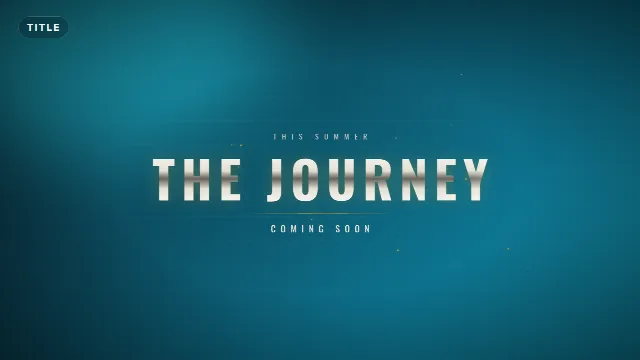
Calm serif letters and thin lines. Fits weddings, travel, food, fashion, beauty and anything that should feel premium. The Elegant Serif Title softens into focus with fine gold lines, and the Cinematic Blur Title works for trailers and short films.
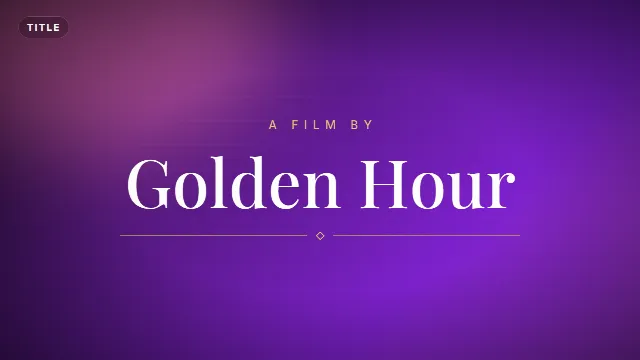
Free template
Elegant Serif Title
Playful and handwritten
Bouncy letters and marker strokes for vlogs, kids content, DIY and lifestyle. See the Letter Pop Title and Handwritten Marker Title.
Text and title templates
Choosing a font
The style of the animation and the font have to agree. A quick guide by font type:
| Font type | Examples | Use for |
|---|---|---|
| Sans serif | Inter, Montserrat, Poppins | Almost anything, the safest choice |
| Condensed | Bebas Neue, Anton, Oswald | Big bold titles, Shorts, sports |
| Display | Russo One, Orbitron, Bungee | Gaming, tech, retro |
| Serif | Playfair Display, Cormorant Garamond | Elegant, cinematic, editorial |
| Script and handwriting | Pacifico, Caveat, Permanent Marker | Short accents, vlogs, signatures |
| Monospace | JetBrains Mono, Space Mono | Typewriter, code and tech |
All of these are among the 38 fonts you can pick on Edit online. They are open source Google Fonts, so you can also install them on your computer and use the same font in your thumbnails and channel banner.
Readability rules
- Short text. Two to five words for a title. Put extra information in a smaller subtitle line.
- Big enough for a phone. Most viewers watch on a small screen. If you squint at it on your phone, make it bigger.
- Contrast. Light text on dark footage or a dark plate behind the text. Test on your brightest shot.
- Time to read. The title should be fully visible and still for at least a moment before it leaves.
- One style per video. Pick one title style and use it for every title in the video and across your channel.
Make a title online
- Go to Edit online and filter on Titles, or by style such as Minimal, Bold, Gaming, Retro or Elegant.
- Open a template and type your text. The live preview updates as you type.
- Pick an accent color and text color, choose a font and set the speed. A slower speed gives more time to read.
- Choose the size: landscape 16:9, vertical 9:16 or square 1:1.
- Create the video. It renders on our server in under a minute, and you download it with a free account.
The zip has a transparent -alpha.mov for Premiere Pro, DaVinci Resolve, Final Cut Pro and After Effects,
and a -greenscreen.mp4 for CapCut and other mobile apps. See
how to use transparent video overlays and
green screen overlays in CapCut.
Titles for Shorts and vertical videos
In a vertical video the title is often the hook itself. Render the 9:16 size and keep it in the middle of the screen, away from the captions and buttons of the player. See text overlays for TikTok, Reels and Shorts.
More ideas: text and title templates, glitch templates, retro templates and intros.
Frequently asked questions
Edit online
Make animated titles online
Free with a free account, in 16:9, 9:16 or 1:1.
Type your title, choose from 38 fonts and download a transparent video.
Edit online for free